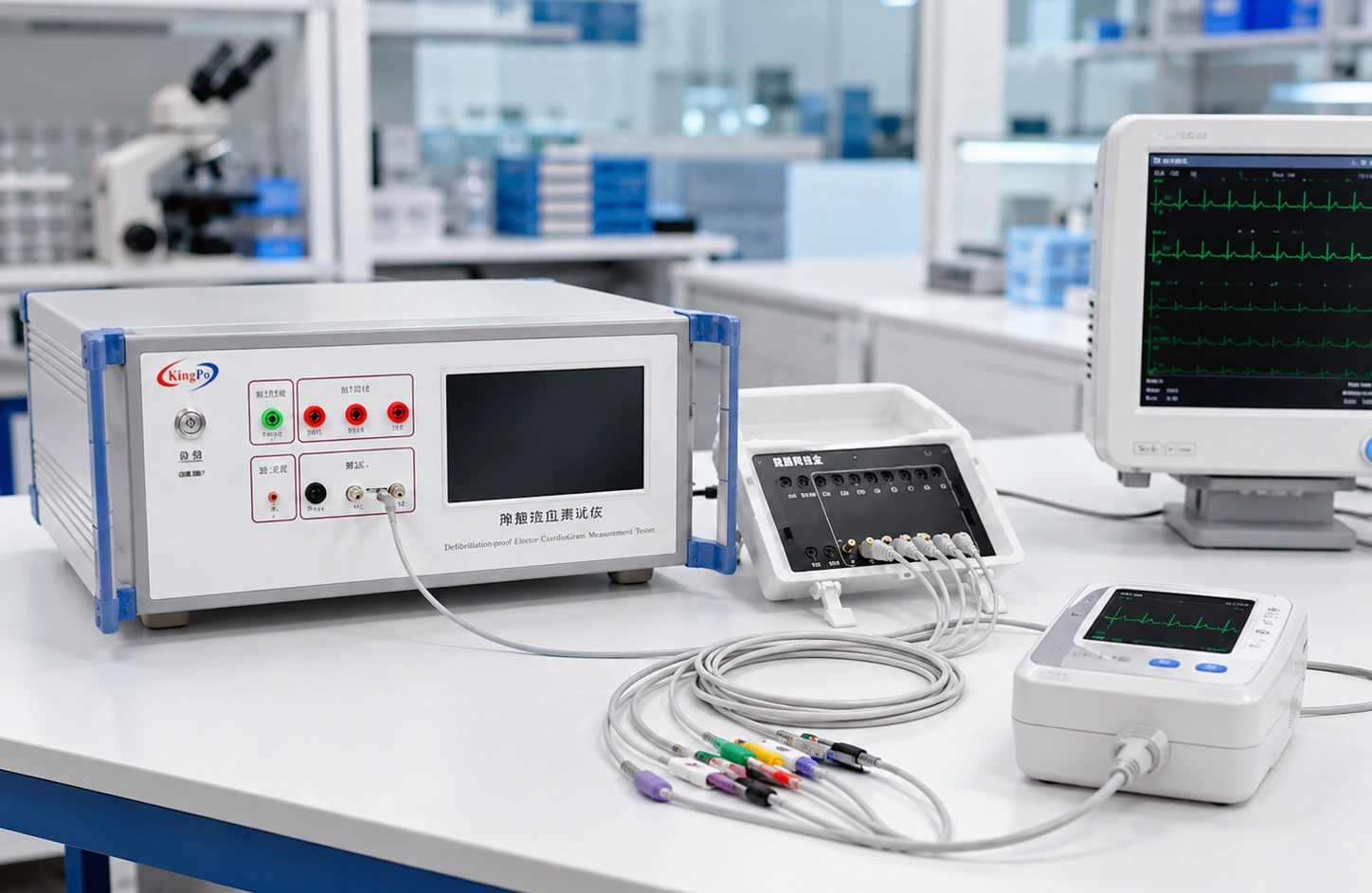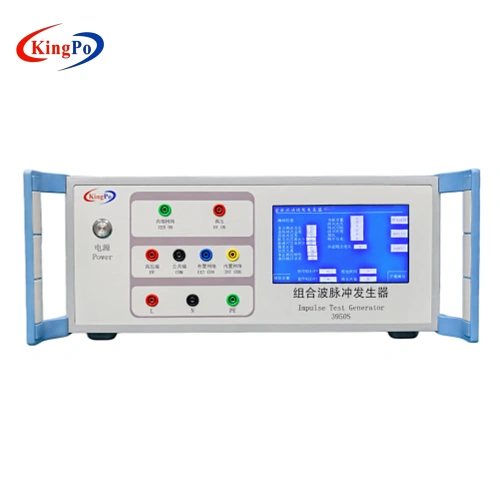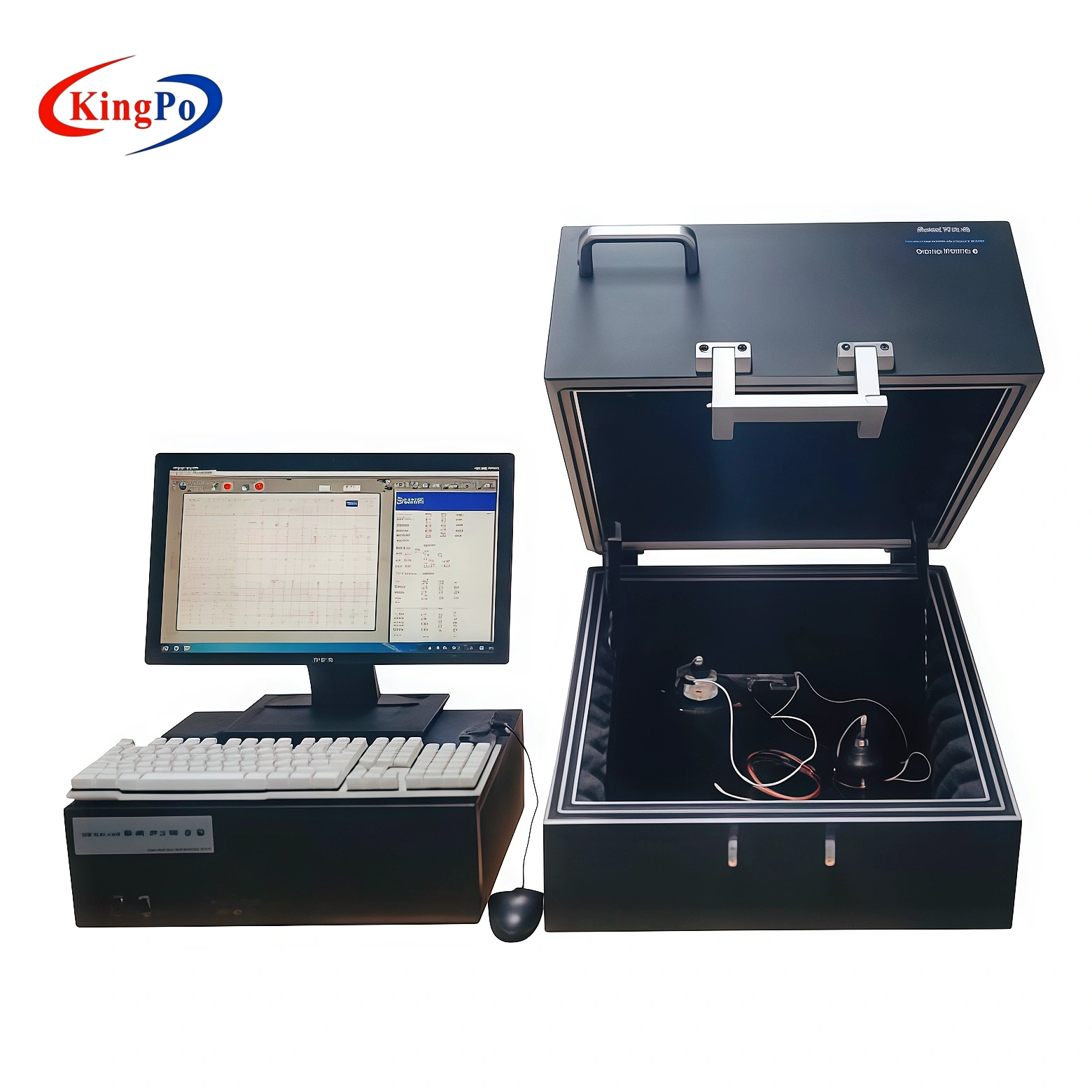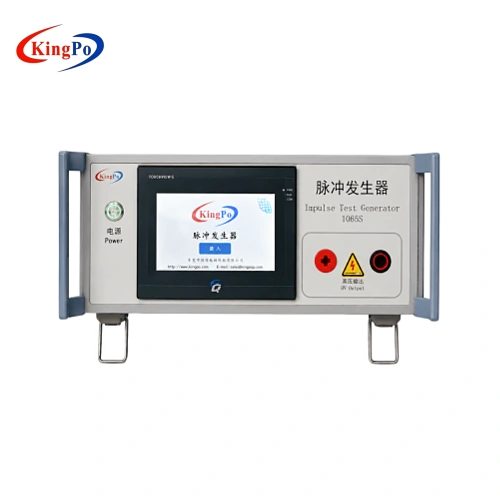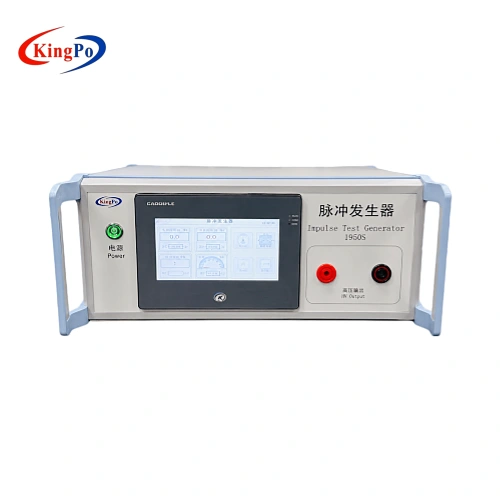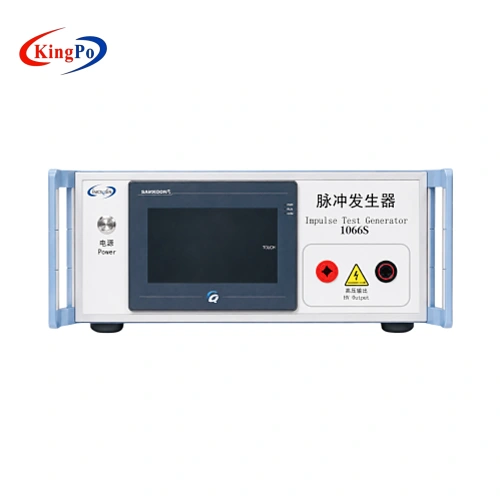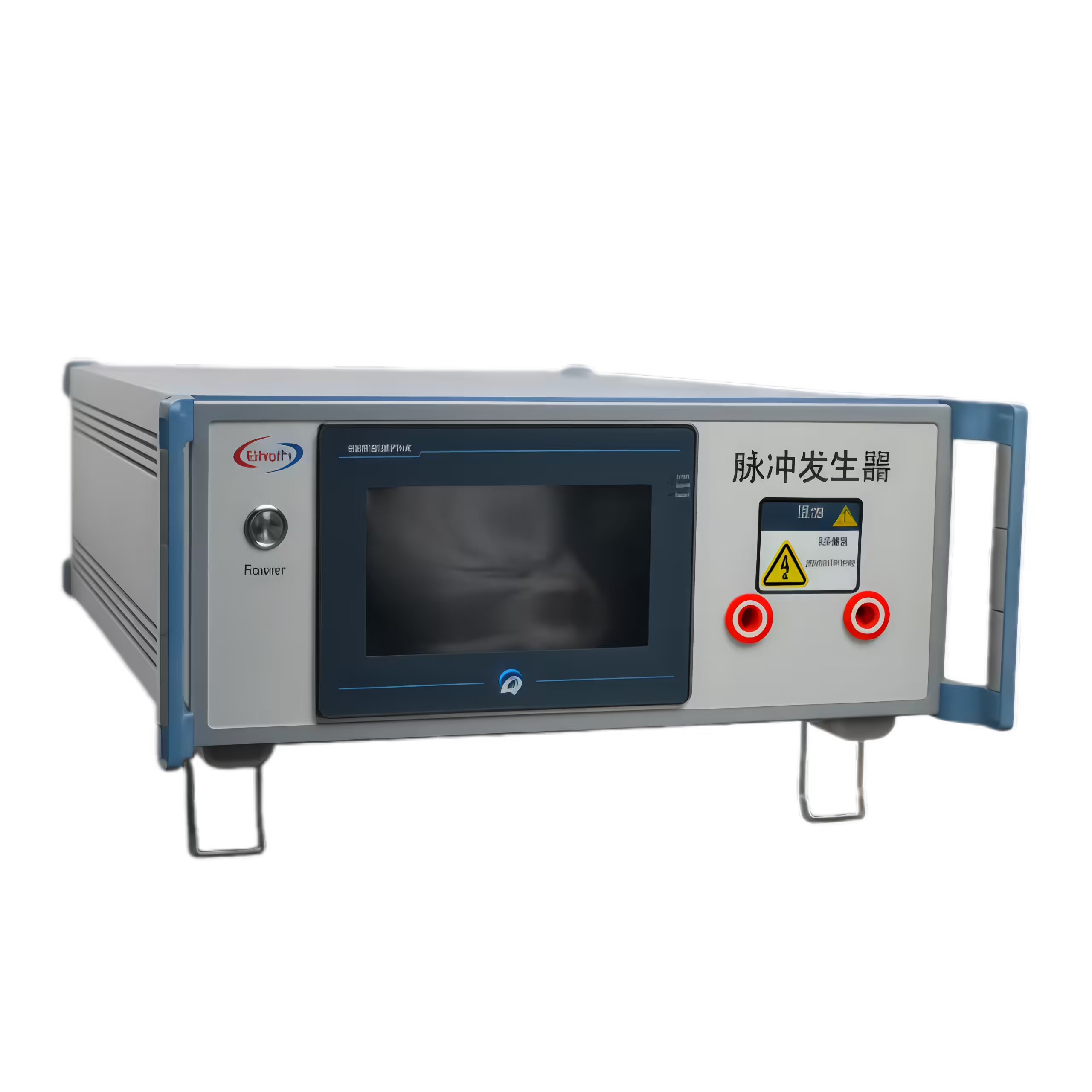
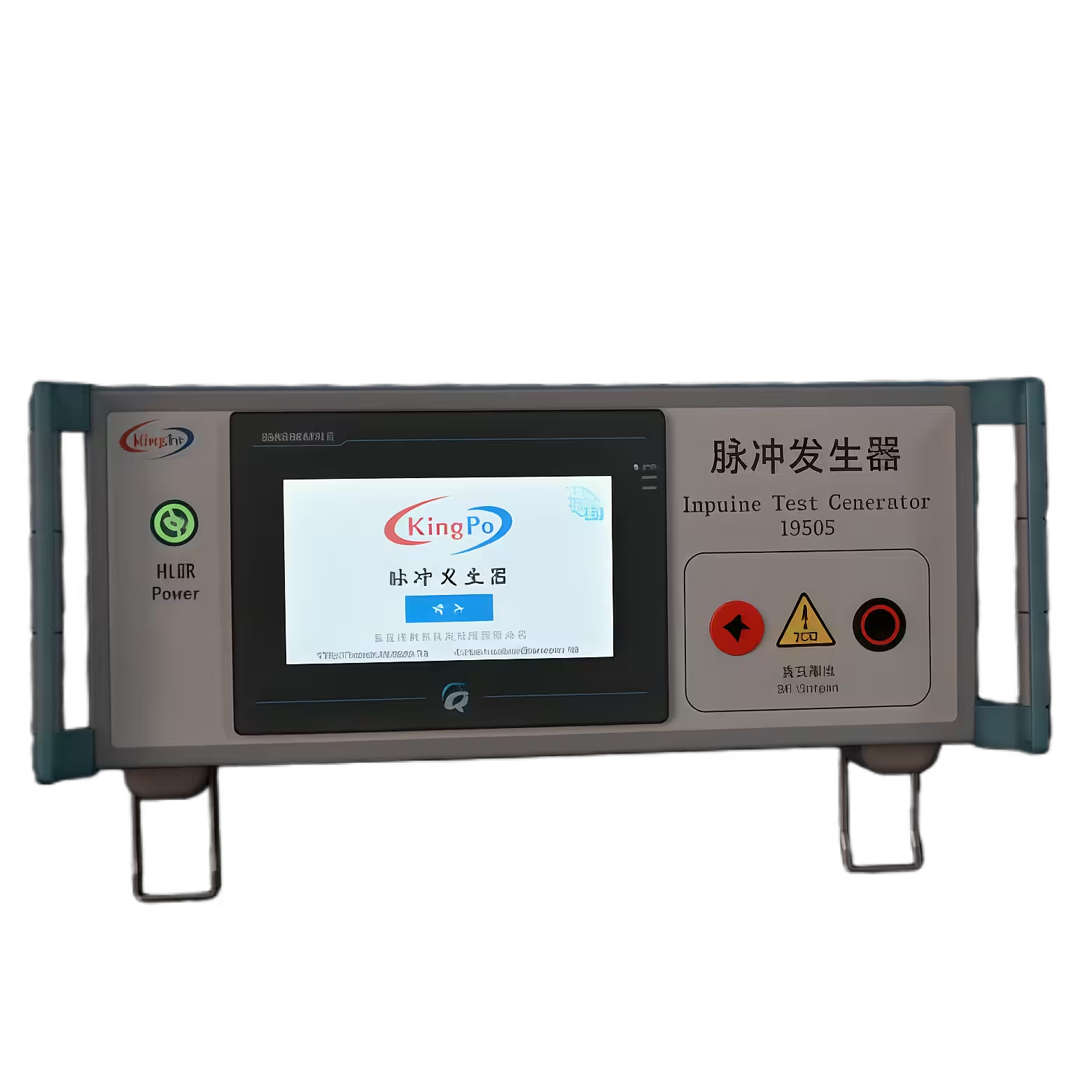
You can meet IEC 62368-1 rules easily with the right impulse test generator. The KP-1950S is a Pulse Voltage Generator that makes things simple. It has a color touchscreen for fast settings. You can use programmable features for both type and routine tests. The table below shows how KP-1950S is different from other choices:
|
Feature |
KP-1950S Description |
|---|---|
|
User Interface |
Color touchscreen lets you set voltage, polarity, and pulses easily |
|
Programmable Features |
Makes type testing and routine checks easier to use |
|
Compliance |
Follows IEC 62368-1 Annex D.1 and shows results clearly for compliance tests |
With the right tools and steps, electrical safety testing becomes easy.
Key Takeaways
-
The KP-1950S impulse test generator makes IEC 62368-1 easier to follow. It has a color touchscreen that is easy to use. You can change settings quickly with it.
-
Impulse test generators find weak spots in electrical designs. They make sure products can handle real electrical surges.
-
Using the right waveforms (10/700 μs and 1.2/50 μs) is very important. This is needed for devices that connect to telecommunication and mains power.
-
You must calibrate and set up the impulse test generator often. This helps get correct results and keeps testing safe.
-
Writing down all test results helps with certification. It makes it easier to show that products meet safety standards.
What Is an Impulse Test Generator?
Definition and Purpose
An impulse test generator is a tool that checks if electrical equipment is safe. It makes special electrical surges called standardized surge waveforms. These surges are like sudden spikes from lightning or switching. If equipment is not strong, these surges can hurt it. You use the impulse test generator to send surges into your product. This helps you see if your product can handle them without failing.
The device makes two main kinds of waveforms. One is a 10/700 microsecond surge for telecommunication ports. The other is a 1.2/50 microsecond surge for mains circuits. These waveforms are like real electrical dangers. Testing with these surges helps you know if your equipment will work safely in real life.
Tip: An impulse test generator lets you find weak spots in your design before customers use your product.
Role in IEC 62368-1 Compliance
You must follow safety rules when making or testing electronic devices. IEC 62368-1 is a worldwide safety rule for audio, video, information, and communication technology equipment. This rule wants you to show your products can handle electrical surges safely.
Annex D.1 of IEC 62368-1 says to use an impulse test generator for some tests. You need to prove your equipment can survive the surges in the rule. If your product passes, you can show it meets important safety rules. This helps you get certifications and sell your products in more places.
Impulse test generators help you check if you follow the rules. You can trust the results because the device makes the exact surges needed by the rule.
IEC 62368-1 Impulse Test Requirements
Key Test Parameters
You should know the main test settings before you begin. IEC 62368-1 Annex D.1 tells you which surges to use. The standard says to test with two special waveforms. Each one is for a different part of your device. The table below shows the waveforms and where to use them:
|
Impulse Waveform |
Description |
Application |
|---|---|---|
|
Acts like lightning surges for telecommunication and network ports |
Circuit 1 in Table D.1 |
|
|
1.2/50 μs |
Acts like surges for mains and power circuits |
Circuit 2 in related tables/figures |
You can set the voltage from 10 V up to 6 kV. The impulse test generator lets you change these numbers to match the rules. You also pick how many pulses and which polarity to use. The color touchscreen helps you set these things fast. The PLC-based control keeps the machine working steady, so you get good results.
Note: Always check the right waveform and voltage for your product before testing.
When Impulse Testing Is Needed
You need to do impulse testing in some cases. IEC 62368-1 says to test products that connect to telecommunication lines or mains power. If your device has network ports, use the 10/700 μs waveform. If your device connects to power circuits, use the 1.2/50 μs waveform. The table below shows when to use each test:
|
Impulse Waveform |
Application Description |
|---|---|
|
10/700 μs |
Use for telecommunication or network ports to check lightning surge protection |
|
1.2/50 μs |
Use for mains or power circuits to check surge withstand capability |
You test things like routers, modems, power adapters, and home appliances. You also test any device that must show it can handle surges. If you want certifications like CE, UL, or 3C, you must pass these tests. The impulse test generator helps you meet these rules fast and easily.
Choosing an Impulse Test Generator
Essential Features to Consider
When you pick an impulse test generator, look for key features. These features help you test your products safely and well. The table below shows what you should check:
|
Feature |
Description |
|---|---|
|
Output Frequency Range |
Make sure the generator works for all your test needs. |
|
Pulse Width Control Capability |
See if you can set the pulse width just right. This helps with timing. |
|
Adaptability of Output Amplitude |
Pick a generator that lets you change the voltage easily. |
|
Number of Channels |
Get a generator with enough channels to test more signals at once. |
|
Flexibility of Programmable Functions |
Choose a generator that lets you make custom pulse patterns for different tests. |
You should also check the voltage range. Some generators, like the TSN1104, can go up to 12.5 kV. For IEC 62368-1, a voltage range up to 6 kV is usually enough.
A good user interface is very important. If the interface is simple and clear, you can avoid mistakes. You can also work more safely. A good interface helps you see settings and results fast.
Compatibility with IEC 62368-1
You need to make sure your impulse test generator fits the IEC 62368-1 standard. The generator should make the right waveforms and voltages. IEC 62368-1 Annex D.1 needs two main waveforms: 10/700 μs and 1.2/50 μs. Your generator must make these waveforms with the right voltage.
You also need safety features. Overvoltage protection keeps you safe while testing. The generator should let you set the number of pulses, intervals, and polarity. These settings help you follow the rules exactly.
Sometimes, a device that is easy to use is not always safer. You should always check for safety features and clear instructions. A good interface can stop accidents and help you get the right results.
Example: KP-1950S Highlights
The KP-1950S impulse test generator gives you what you need for IEC 62368-1 tests. The table below shows its main features:
|
Feature |
Description |
|---|---|
|
Dual waveforms |
10/700 μs & 1.2/50 μs, meets IEC 62368-1 Annex D.1 |
|
Voltage range |
0.01–6.00 kV, 10 V steps |
|
Control interface |
Easy PLC and color touchscreen, keeps settings after power-off |
|
Safety features |
Built-in overvoltage protection for safe use |
|
Pulse sequences |
Flexible: 1–999 pulses, adjustable interval and polarity |
You can use the color touchscreen to set voltage, polarity, and pulse count. The PLC control saves your settings even after you turn off the device. Overvoltage protection makes testing safer. You can test many products, like routers, power adapters, and home appliances.
The KP-1950S impulse test generator helps you meet IEC 62368-1 rules fast and easily. You get good results and can change settings for different tests. This generator is a smart pick for labs and companies that want quick and safe testing.
Discover the KP-1950S Now!
Explore the advanced features of the KP-1950S Impulse Generator and enhance your testing capabilities today.
Setting Up and Using the Impulse Test Generator
Preparation Steps
Before you test, you must get ready. Follow these steps to keep things safe and correct:
-
Connect the impulse test generator’s output port to your device. Check the connection twice so you do not make mistakes.
-
Set the pulse details on the PLC touchscreen. Pick the right voltage, waveform, and number of pulses for your device.
-
Make sure the polarity is right for your test plan. The KP-1950S lets you change polarity with no trouble.
-
Calibrate the impulse test generator often. This helps your results stay true and steady.
-
Use the memory feature to save your settings. You can turn off the device and keep your setup for next time.
Tip: Always check your cables and connections before you begin. A loose wire can give wrong results or break your equipment.
Running the Test
After you finish setting up, you can start the test. The KP-1950S makes this easy:
-
Turn on the impulse test generator.
-
Look at your settings on the color touchscreen. Change them if you need to.
-
Use the trigger button to begin the test. The generator will send the pulses you set to your device.
-
Watch the test on the display. The KP-1950S shows you what is happening right now.
-
Use an oscilloscope if you want to see and study the surge waveform in detail.
The overvoltage protection keeps you safe while testing. If there is a problem, the device will stop and warn you.
Avoiding Common Mistakes
Some people make easy mistakes that hurt their test results. Here are things you should remember:
-
Do not connect the output port the wrong way. This can cause errors in your measurements.
-
Always use the right pulse settings for your test. Wrong settings will give you bad results.
-
Remember to calibrate your impulse test generator often. This keeps your signals correct.
-
Never skip safety checks. Overvoltage protection helps, but you must always be careful.
Note: Careful setup and regular checks help you get the best results every time.
Interpreting Test Results for Compliance
Understanding Results
When you finish an impulse test, you need to look at the results carefully. The KP-1950S shows you if your product passed or failed right on the screen. If your device keeps working after the test and shows no damage, you can say it passed. If you see sparks, smoke, or the device stops working, it means the product failed the test.
You should also check the waveform on an oscilloscope. The waveform should match the settings you chose. If the waveform looks wrong, you may need to check your setup or repeat the test. Always compare your results to the limits in IEC 62368-1. If your product meets these limits, you can move to the next step.
Tip: Write down all your results, even if your product passes. Good records help you later if you need to show proof for certification.
Next Steps After Testing
After you finish testing, you need to document everything for IEC 62368-1 certification. Follow these steps to make sure you cover all the important parts:
-
Review your product design before testing. Make sure it matches IEC 62368-1 rules.
-
Create a test plan. List all the tests you will do and the settings you will use.
-
Prepare your test samples. Use products that are just like the ones you will sell.
-
Run all the tests in your plan. Record the results for each test.
-
Check your technical files, user manuals, and safety labels. Make sure they match the test results.
-
If your product fails, fix the problem and test again. Write down what you changed.
-
Look at all your results and documents together. Make sure everything is complete.
-
Send your records to a certification body. They will check your work and give you a safety certificate if you meet all the rules.
Note: Careful documentation makes the certification process smoother and faster. Always keep your records organized and easy to find.
You can follow IEC 62368-1 rules more easily with the right impulse test generator. The KP-1950S has simple controls, strong safety, and many ways to test. Here are some main benefits:
|
Feature |
Description |
|---|---|
|
Dual waveforms |
Follows IEC 62368-1 Annex D.1 rules |
|
User-friendly interface |
Easy PLC touchscreen, keeps settings after shutdown |
|
Built-in safety |
Overvoltage protection keeps testing safe |
|
Flexible sequences |
You can change pulses and polarity |
Good advice makes hard standards easy to follow. You can begin testing for compliance quickly and with confidence.
FAQ
How do you choose the right impulse test generator for IEC 62368-1?
You should check for dual waveforms, adjustable voltage, easy controls, and safety features. Make sure the generator meets IEC 62368-1 Annex D.1 requirements.
Can you use the KP-1950S for both type and routine tests?
Yes. The KP-1950S lets you set up tests for both type and routine checks. You can save settings and run tests quickly with the touchscreen.
What safety features should you look for in an impulse test generator?
Look for overvoltage protection, clear instructions, and easy-to-use controls. These features help you stay safe and avoid mistakes during testing.
How do you know if your product passed the impulse test?
If your product works after the test and shows no damage, you can say it passed. Always check the results on the screen and compare them to IEC 62368-1 limits.