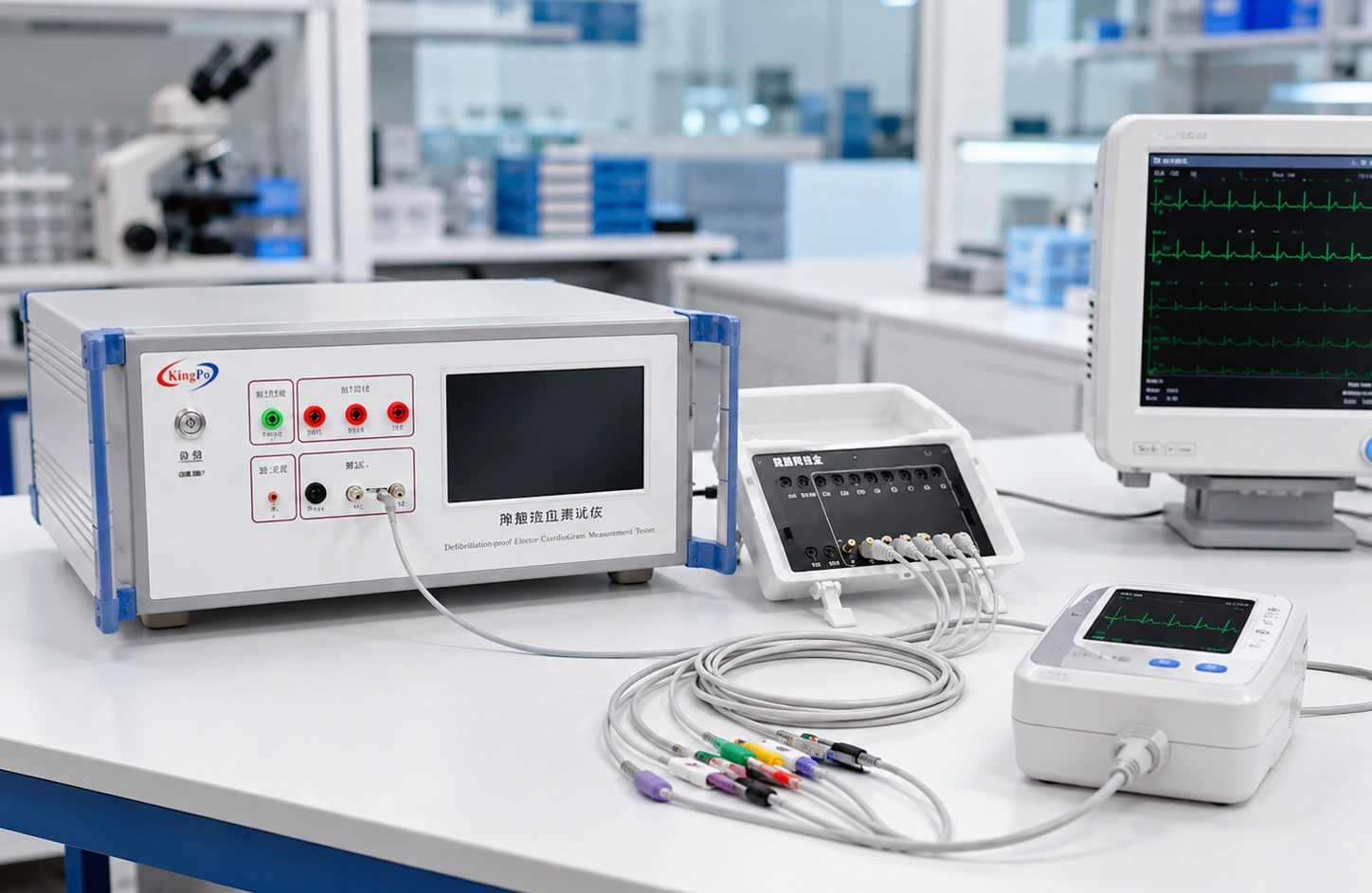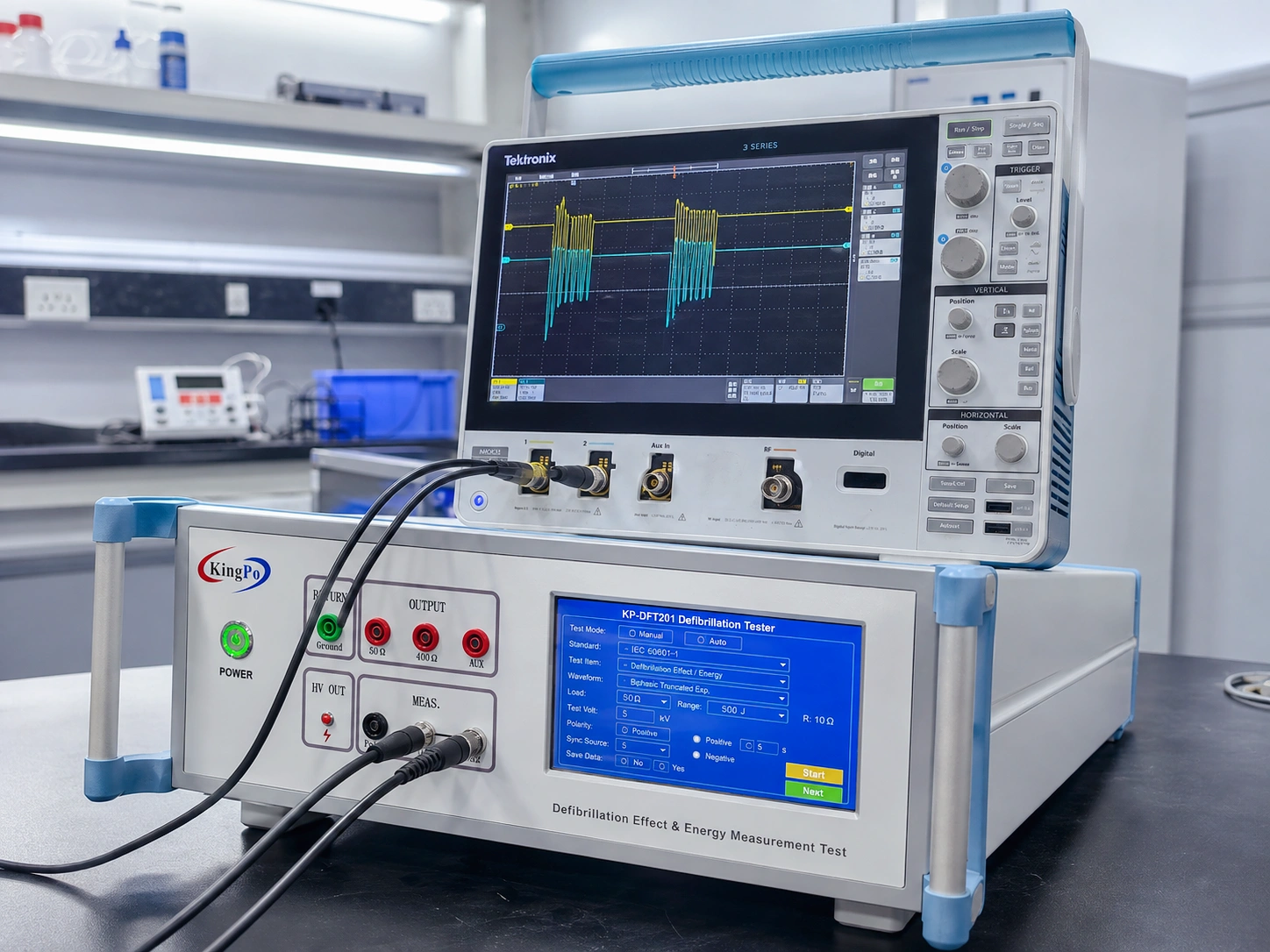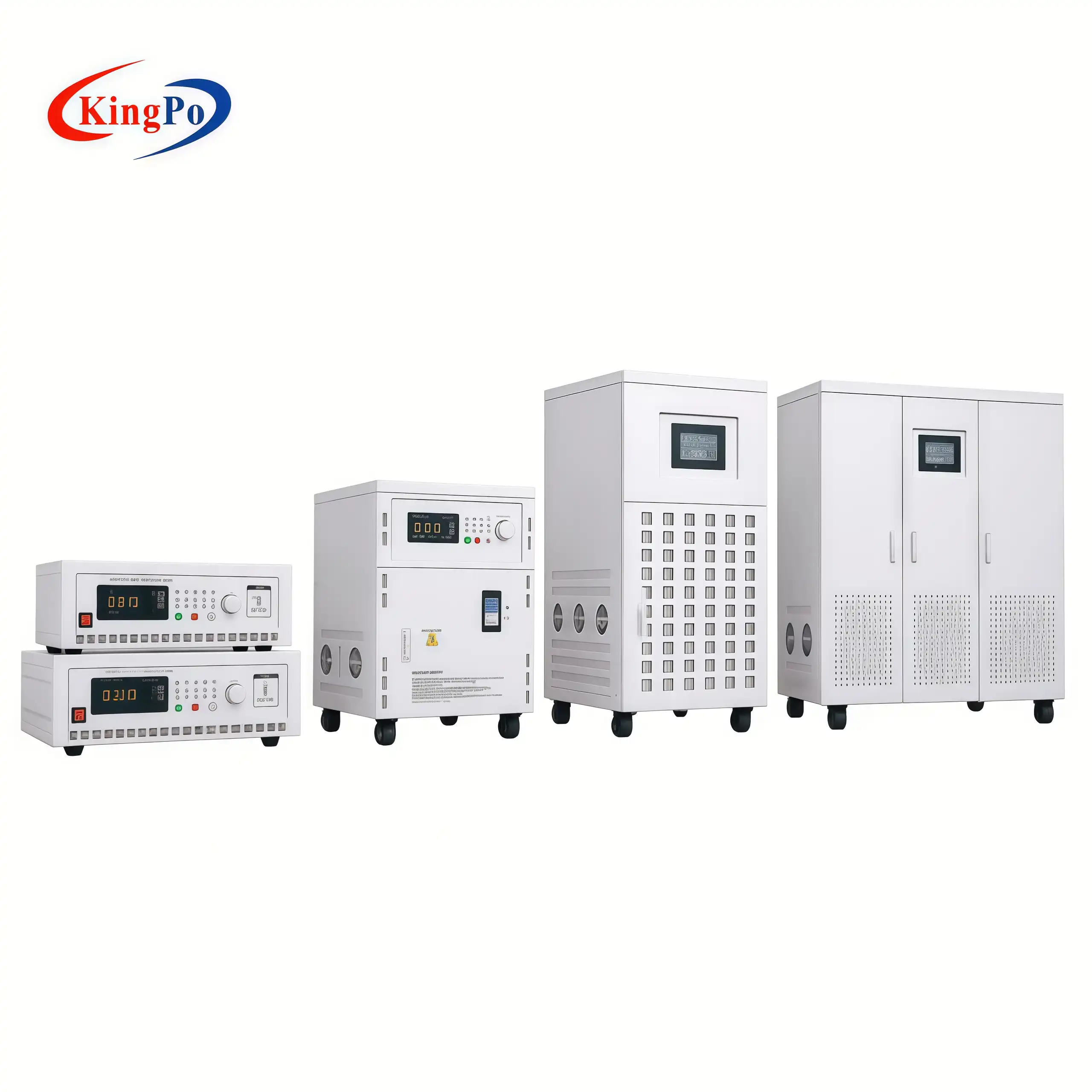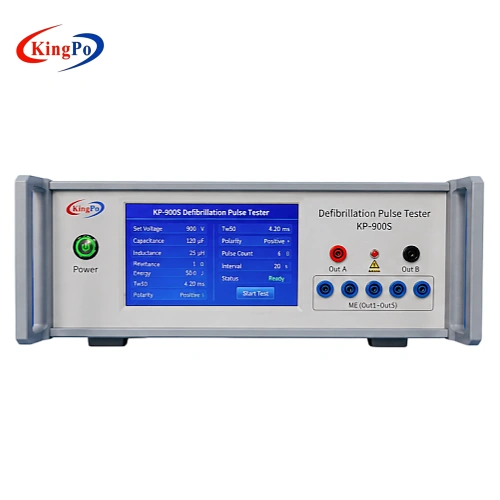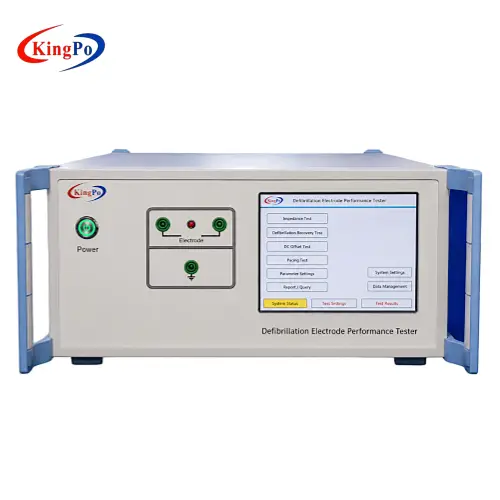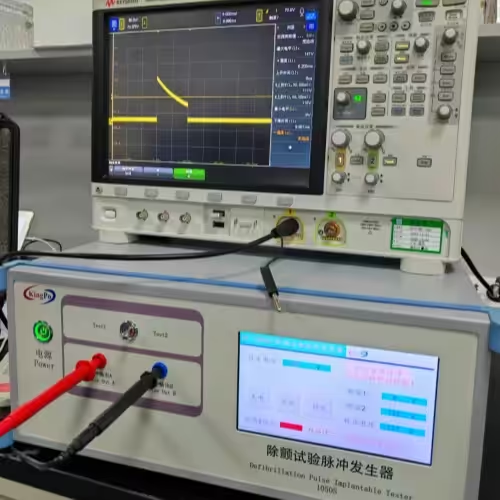
You can make sure your AIMDs follow ISO 14117 by using a Defibrillation Test Pulse Generator. Good testing keeps patients safe and shows your devices meet tough safety rules. New generators like the KP-1050S help you test easily with simple buttons and automatic steps. Research shows that new test generators give steady energy and safe results.
|
Key Findings |
Description |
|---|---|
|
Defibrillation Energy Requirements |
Energy levels for new ICD leads are like old systems, so they are reliable. |
|
Safety Margin |
Most patients get a 10 J margin with regular ICDs. |
|
Performance Comparison |
New ways work well and are dependable. |
Begin with easy steps to set up your tools and follow simple directions.
Key Takeaways
-
Use a Defibrillation Test Pulse Generator like the KP-1050S. This helps your AIMDs follow ISO 14117 rules. The device makes testing easy with simple controls.
-
Follow the right testing steps, like using damped sinusoidal and truncated exponential waveforms. This gives you good results when defibrillation happens.
-
Write down all test data, like voltage levels and how the device reacts. Keeping good records shows you follow the rules and helps during checks.
-
Take care of your testing equipment and check it often. This keeps your results correct and keeps patients safe.
-
Teach your staff about safety steps and testing rules. Teams that know what to do make fewer mistakes and test better.
ISO 14117 Overview
Standard Scope and Purpose
It is important to know what ISO 14117 covers before testing. This standard helps you check how AIMDs work when electromagnetic fields are around. It gives clear steps to test your devices and keep patients safe.
-
ISO 14117 looks at electromagnetic compatibility for AIMDs.
-
The standard helps you deal with risks from electromagnetic interference. This matters for devices like pacemakers and ICDs.
-
You get ways to test your device’s EMC performance in places you cannot control.
-
The standard makes sure you learn about possible interference from electromagnetic sources.
You can use a Defibrillation Test Pulse Generator to follow these steps and meet the standard’s rules.
Relevance for AIMDs
ISO 14117 is important if you make or test AIMDs. The standard tells you how to check your device’s safety and performance during defibrillation events. It also explains how to test for electromagnetic fields that might affect your device.
|
Frequency Range |
Description |
|---|---|
|
0 Hz ≤ ? < 385 MHz |
|
|
385 MHz ≤ ? ≤ 3 000 MHz |
Specifications for electromagnetic compatibility with external fields. |
You must test your devices in these frequency ranges. This helps you see if your device will work safely in real life. By following ISO 14117, you show your AIMDs can handle strong electrical shocks and outside electromagnetic fields. This keeps patients safe and builds trust in your products.
Defibrillation Testing Requirements
Immunity Test Objectives
You need to check if your AIMDs can handle strong electrical shocks. These shocks happen in hospitals or emergencies. The main goal is to make sure your device keeps working after a shock. You want to see that the device does not reset, stop, or change how it works.
Tip: Always test your device the same way each time. This helps you get results you can trust.
You use a Defibrillation Test Pulse Generator to send controlled shocks to your device. This tool helps you see how your device reacts. You want to find out if the device can keep helping the patient, even after a big shock.
Key Parameters and Criteria
You must follow certain rules when you test your AIMDs. These rules help you know if your device passes or fails. Here are some key things to check:
-
Waveform Type: Use both damped sinusoidal and truncated exponential waveforms.
-
Voltage Levels: Test with voltages like 140V, 270V, and 380V, based on the standard.
-
Number of Pulses: Run several pulses in a row, sometimes up to 999 cycles.
-
Polarity: Test with both positive and negative pulses.
-
Timing: Make sure the time between pulses matches the standard.
|
Parameter |
Requirement Example |
|---|---|
|
Waveform |
Damped sinusoidal, truncated exponential |
|
Voltage |
140V, 270V, 380V |
|
Pulse Count |
1 to 999 cycles |
|
Polarity |
Positive and negative |
You should write down all results. If your device works well after all tests, you know it meets the safety rules. This process helps you protect patients and prove your device is safe.
Defibrillation Test Pulse Generator Role
Device Functions and Modes
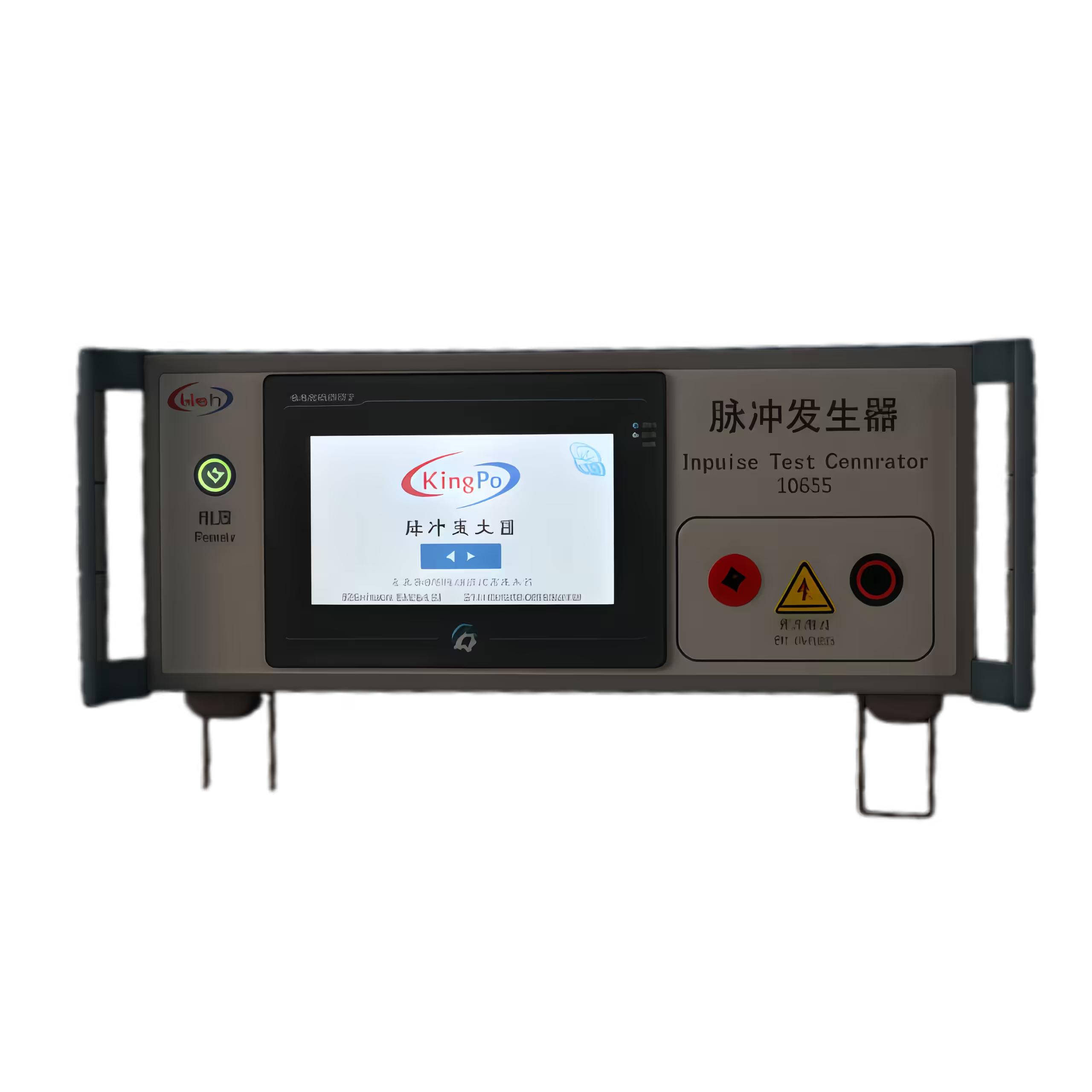
You need a Defibrillation Test Pulse Generator to test AIMDs. This device sends special electrical pulses to your device. It helps you see if your device works after a defibrillation event. The KP-1050S is a modern generator that meets strict standards.
A Defibrillation Test Pulse Generator has different test modes. You can use it to send damped sinusoidal and truncated exponential waveforms. These waveforms are like what your device might face in a hospital. The KP-1050S lets you switch modes with a simple toggle. This makes testing faster and easier.
Here is a table showing the main functions and modes:
|
Feature |
Description |
|---|---|
|
Dual-Mode Operation |
Lets you use Test 1 (damped sinusoidal, 140/380 V) and Test 2 (truncated exponential, 140/270 V). |
|
Automated Compliance Sequences |
Runs standard test cycles with programmable settings. |
|
Test 1 Sequence |
Sends 3 positive pulses, then a negative pulse after a 60-second pause. |
|
Test 2 Sequence |
Sends 3 positive single-phase pulses, then a negative pulse after a 60-second pause. |
You can set the number of cycles, voltage, and pulse type. The KP-1050S makes this easy with a color touchscreen. You see real-time data and can change settings quickly. This helps you follow ISO 14117 and other standards.
Discover the KP-1050S Now
Explore the advanced features of the KP-1050S Defibrillation Test Pulse Generator and enhance your testing capabilities.
Essential Features for Compliance
You must use a Defibrillation Test Pulse Generator with the right features. The KP-1050S has many of these features. It supports both main test waveforms. It also runs automated test sequences, so you do not miss any steps.
Key features you should look for include:
|
Feature |
Description |
|---|---|
|
Dual-mode operation |
Lets you test with both damped sinusoidal and truncated exponential waveforms. |
|
Automated compliance sequences |
Makes sure you follow ISO rules every time you test. |
|
Safety features |
Protects you and your device with high-voltage warnings and strong grounding. |
-
The KP-1050S meets ISO 14117:2012 and other global standards.
-
It follows GB 16174.1-2024 20.2, ISO 14708-1:2003, EN 45502-1:2015, and EN 45502-2-2:2008.
-
You get a user-friendly interface with a touchscreen for easy control.
-
The device has built-in safety systems, like high-voltage alerts and IEC Class I grounding.
-
You can program the number of test cycles, from 1 up to 999, for thorough testing.
Tip: Always check that your Defibrillation Test Pulse Generator has clear safety warnings and easy-to-use controls. This keeps your team safe and your results accurate.
A good Defibrillation Test Pulse Generator saves time and helps you avoid mistakes. You can trust your results and show your AIMDs are safe for patients. The KP-1050S gives you all the tools you need for reliable and repeatable testing.
Test Setup and Execution
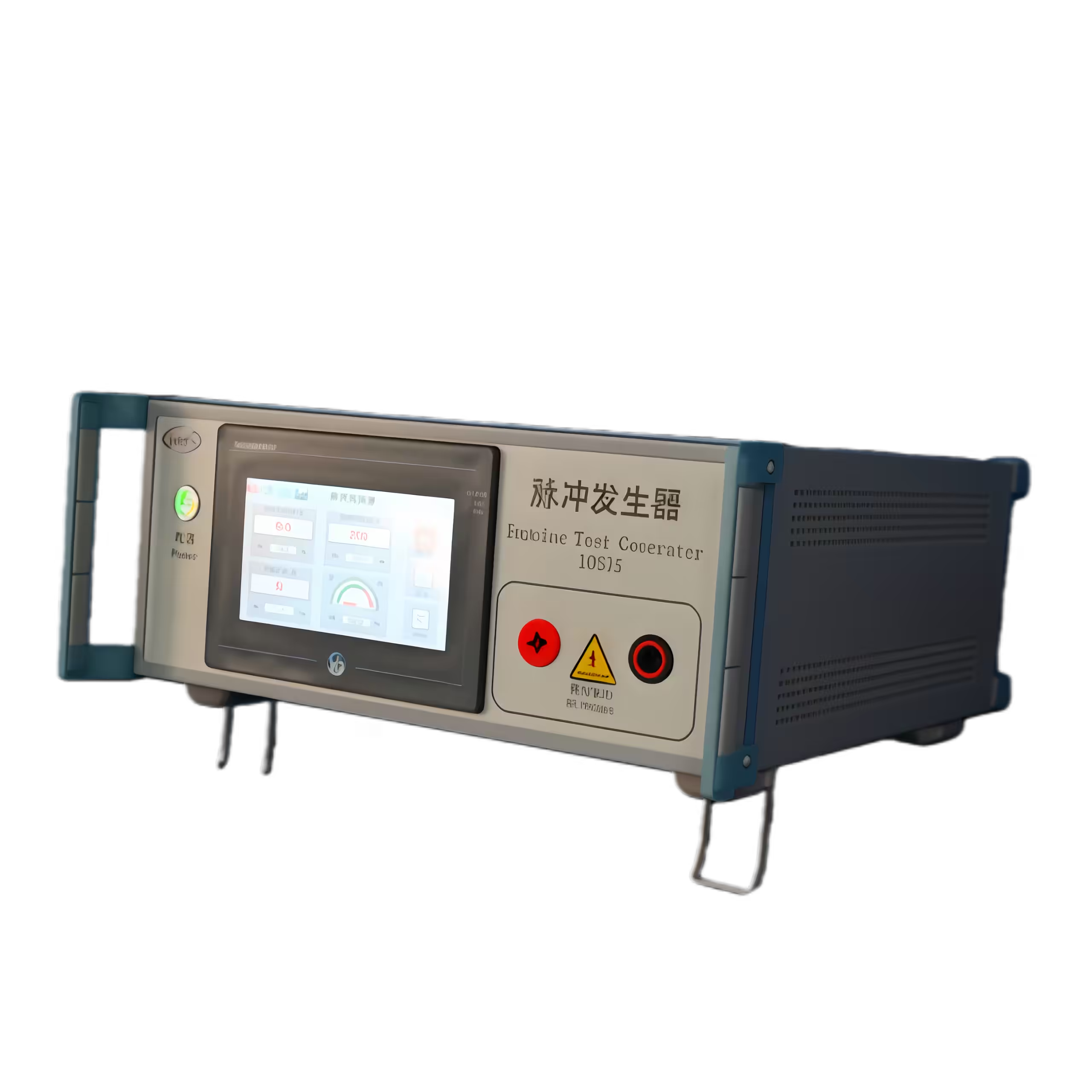
Preparing Devices and Environment
First, get your test area ready. Put your AIMD on a surface that does not conduct electricity. Make sure the room is clean. Remove extra electronic noise from the area. Connect the AIMD to the Defibrillation Test Pulse Generator with the right cables. Check that all cables are tight and secure.
Turn on the KP-1050S. Pick the test mode you need on the touchscreen. Choose either damped sinusoidal or truncated exponential. Set the voltage and number of cycles as ISO 14117 says. Always look at the high-voltage warning lights. Make sure the grounding wire is connected for safety.
Tip: Wear safety gloves and goggles when using high-voltage equipment.
Running Test Sequences
Now you can start the test sequence. Use the touchscreen to begin the automated test. The KP-1050S sends pulses based on your settings. Watch the display to see voltage and pulse count. If you need to stop, press the emergency stop button.
For best results, follow these steps every time:
-
Use the same setup for each test.
-
Write down the settings before you start.
-
Wait for the 60-second pause between pulse groups.
-
Check the AIMD after each test cycle.
Here are some best ways to get accurate and repeatable tests:
|
Recommendation |
Description |
|---|---|
|
Use the same methods to compare results and make them reliable. |
|
|
Defining refractory VF |
Use the same rules for each test so results are clear and fair. |
|
Optimizing control arm(s) |
Compare your results to accepted standards to check how well your device works. |
Interpreting Results
After the test, check how the AIMD worked. See if the device still works as it should. Write down any changes or errors you find. If the AIMD passes all tests, it meets ISO 14117 requirements.
Note: Always save your test data and results for your compliance records.
Compliance Documentation
Recording Test Data
You must write down every detail during your defibrillation immunity tests. Keeping good records helps you show that your AIMDs follow ISO 14117. Make a test log before you start. Write the device name, serial number, and test date. Add the test operator’s name and the equipment used, like the KP-1050S Defibrillation Test Pulse Generator.
While testing, record these important things:
-
Test mode (damped sinusoidal or truncated exponential)
-
Voltage and pulse count
-
Polarity for each pulse
-
Time between pulses
-
Any device reactions or errors
A table can help you keep your data neat:
|
Test Step |
Mode |
Voltage (V) |
Pulse Count |
Polarity |
Device Response |
|---|---|---|---|---|---|
|
1 |
Sinusoidal |
380 |
3 |
Positive |
Normal |
|
2 |
Exponential |
270 |
3 |
Negative |
No error |
Tip: Save your data on a computer and on paper. This makes it easy to find later if you need it.
Preparing Reports
When you finish testing, you need to make a clear report. Your report should show you followed ISO 14117 and used the right tools. Start with a summary about why you did the test and what rules you followed. List all the devices you tested and the test conditions.
Your report should have these parts:
-
Introduction: Tell the goal of the test.
-
Test Setup: Describe the tools and the room.
-
Test Procedure: Explain each step you did.
-
Results: Show your data in tables or charts.
-
Conclusion: Say if the AIMD passed or failed.
Note: Attach your raw data and any pictures of the test setup. This makes your report complete and easy to check.
A good report helps you prove compliance and keeps your testing process clear. You can use these records for audits or to look back later.
Challenges and Solutions
Common Testing Issues
You may face several challenges when you test AIMDs for defibrillation immunity. Some problems happen often in labs. If you know these issues, you can fix them quickly.
-
Inconsistent Test Results: You might see different results each time you run the same test. This can happen if you do not set up the device the same way every time.
-
Device Malfunction: Sometimes, the AIMD may stop working or show errors after a test pulse. This could mean the test settings are too strong or the device is not connected right.
-
Electrical Noise: Extra signals from other machines can affect your test. This noise can make your results hard to trust.
-
Safety Hazards: High voltage can be dangerous. If you do not follow safety steps, you could get hurt or damage your device.
-
Data Recording Errors: You may forget to write down some test details. Missing data makes it hard to prove compliance.
Tip: Always check your setup and write down every step before you start the test.
Troubleshooting Tips
You can solve most problems with a few simple steps. Here are some tips to help you get good results:
|
Issue |
Solution |
|---|---|
|
Inconsistent results |
Use the same cables and settings for each test. Double-check connections. |
|
Device malfunctions |
Lower the voltage and check the AIMD’s battery. Make sure all wires are tight. |
|
Electrical noise |
Turn off other machines in the room. Use shielded cables if you can. |
|
Safety hazards |
Wear gloves and goggles. Check all warning lights on the KP-1050S. |
|
Data errors |
Use a checklist. Save your data on the computer after each test. |
🛠️ Remember: If you see a problem, stop the test and check each part of your setup. The KP-1050S has safety features and clear warnings to help you avoid mistakes.
You can keep your tests safe and reliable if you follow these steps. Careful work helps you meet ISO 14117 and protect patients.
Best Practices for Ongoing Compliance
Equipment Maintenance
You have to keep your test equipment working well. If you take care of it, your results will be right and your lab will be safe. Wipe down the KP-1050S Defibrillation Test Pulse Generator after you use it. Look at all the cables and connectors to see if they are worn out or broken. Change any parts that look old or damaged. Make sure you calibrate your equipment on a regular schedule. Calibration helps your voltage and pulse settings stay correct. Keep a notebook for all your maintenance work. Write the date, what you checked, and any fixes you made.
Tip: Plan to check your test generator every month. This helps you find problems before they get worse.
Staff Training
Your team must know how to use the equipment safely. Teach new workers before they start testing. Show them how to set up the KP-1050S, pick test modes, and follow safety rules. Hold practice sessions every few months. Let everyone try using the equipment so they feel sure of themselves. Go over what to do in an emergency, like using the emergency stop button. Tell your team to ask questions if they do not understand something.
-
Teach how to handle high-voltage equipment safely.
-
Go over how to write down test data.
-
Practice reading and understanding test results.
🧑🔬 When your staff is trained well, they make fewer mistakes and your lab works better.
Monitoring Standards Updates
ISO 14117 can change as time goes on. You need to know when new versions or updates come out. The standard gets checked every five years. The latest version was published in 2019.
|
Revision Date |
Description |
|---|---|
|
2019 |
Most recent version published |
|
Every 5 years |
Systematic review scheduled |
To keep up with changes, try these ideas:
-
Check the ISO website for news.
-
Sign up for ISO updates.
Note: Keeping up with standards helps your AIMDs stay safe and follow the rules.
You can meet ISO 14117 rules by following simple steps. Use a Defibrillation Test Pulse Generator like the KP-1050S for safe tests. Make sure your equipment works well and check it often. Train your team so they know what to do. Always look for new updates and expert advice. The table below shows some important standards you should learn about:
|
Standard |
Description |
|---|---|
|
EMC test protocols for implantable cardiac pacemakers, ICDs, and cardiac resynchronization devices. |
|
|
EN 45502-1 |
General standard for active implantable medical devices. |
|
EN 45502-2-1 |
Specific standard for pacemakers. |
|
EN 45502-2-2 |
Specific standard for implantable cardioverter defibrillators (ICDs). |
Keep learning and make sure your devices are safe for every patient.
FAQ
What is ISO 14117 testing for AIMDs?
You test if your active implantable medical device can take strong shocks and electromagnetic fields. This testing makes sure your device stays safe and works well for people who use it.
Why should you use the KP-1050S Defibrillation Test Pulse Generator?
This device gives you two test modes in one. The KP-1050S lets you switch tests quickly. You can see live data on the touchscreen. Safety features help keep you and your device safe.
How often should you calibrate your test equipment?
You need to calibrate your test generator at least once every year. Doing this often keeps your results correct and helps you follow ISO 14117 rules.
What safety steps should you follow during testing?
Always wear gloves and goggles to stay safe.
Check all cables and warning lights before you start.
Use the emergency stop button if something goes wrong.
Where can you find updates about ISO 14117?
You can go to the official ISO website. You can also sign up for email alerts to learn about new versions or changes to the standard.