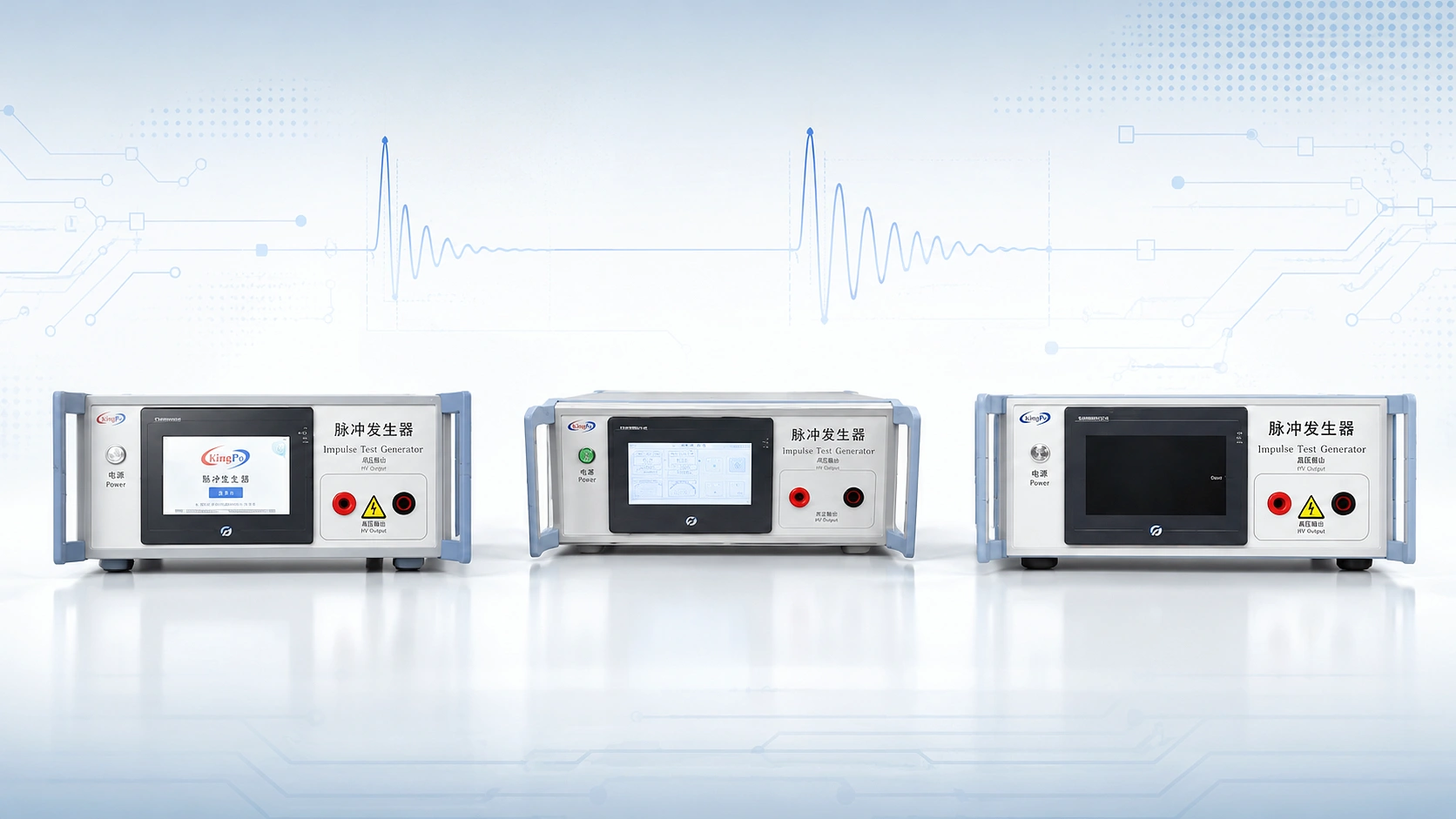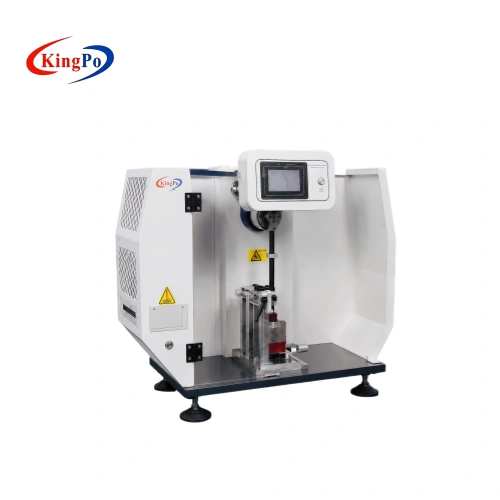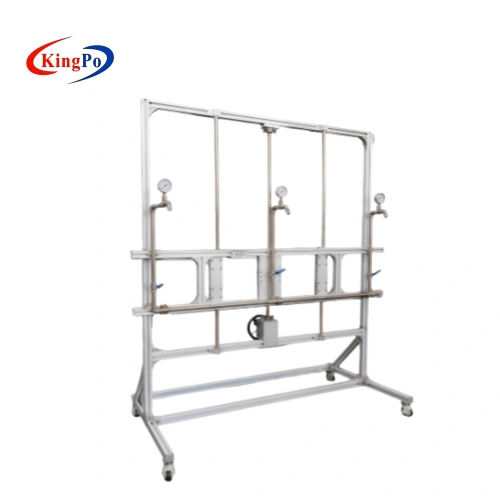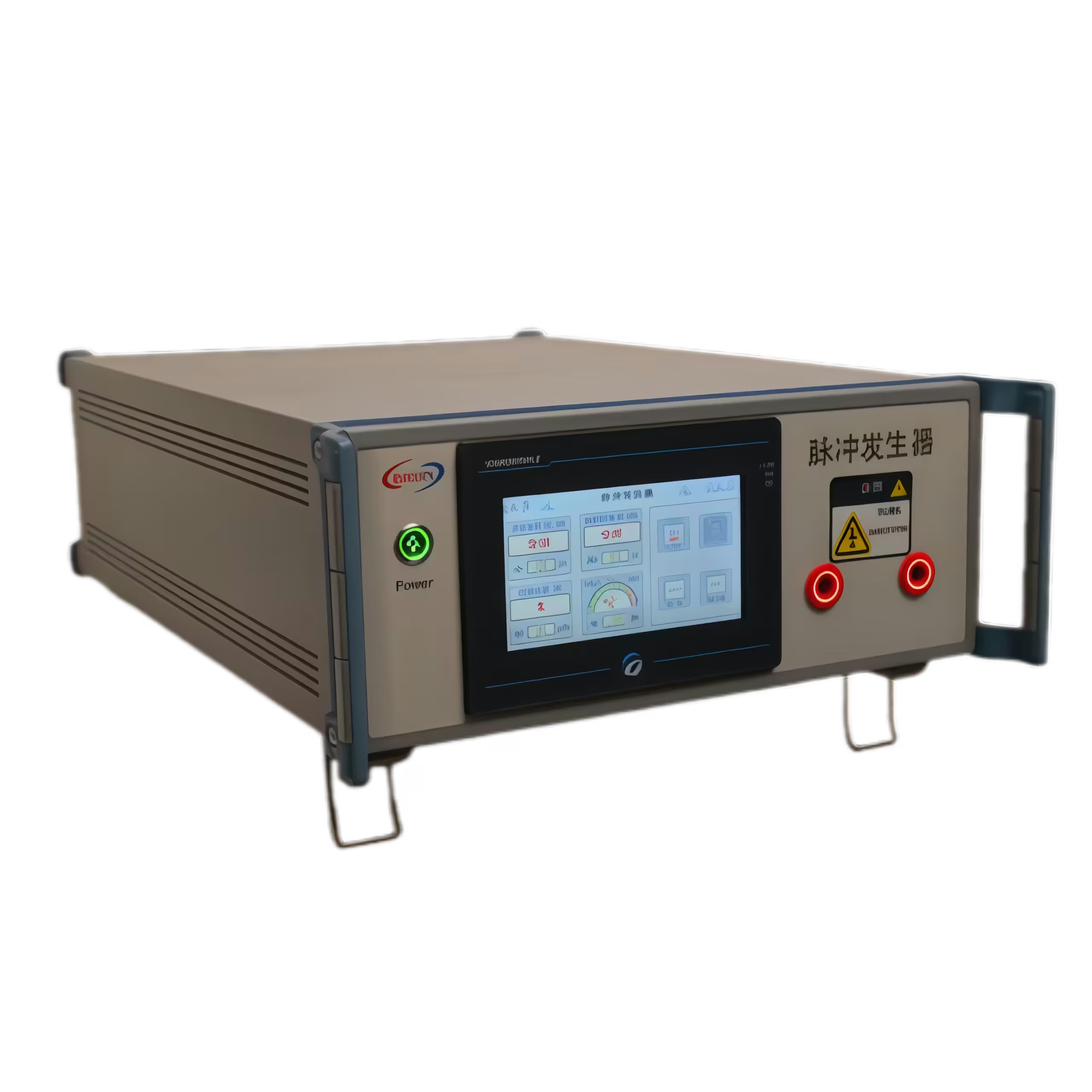
You need to meet strict safety standards when testing your products. The IEC 62368-1 Annex D.1 Impulse test generator helps you verify insulation and surge protection. Choosing the KP-1950S improves your accuracy and safety. You can select precise voltages, use dual waveforms, and operate with a touchscreen interface. The generator includes overvoltage protection, which keeps your testing environment secure. Use this guide as your practical reference for compliance.
Key Takeaways
-
Use the KP-1950S impulse test generator to ensure your products can withstand electrical surges, enhancing safety and compliance.
-
Always wear safety gloves and goggles during testing to protect yourself from potential hazards.
-
Document all test settings and results thoroughly to support compliance and certification processes.
-
Double-check all connections and settings before starting tests to avoid errors and ensure accurate results.
-
Seek training and calibration support from the manufacturer to improve your testing skills and maintain equipment reliability.
IEC 62368-1 Annex D.1 Impulse Test Generator Overview
Purpose and Application
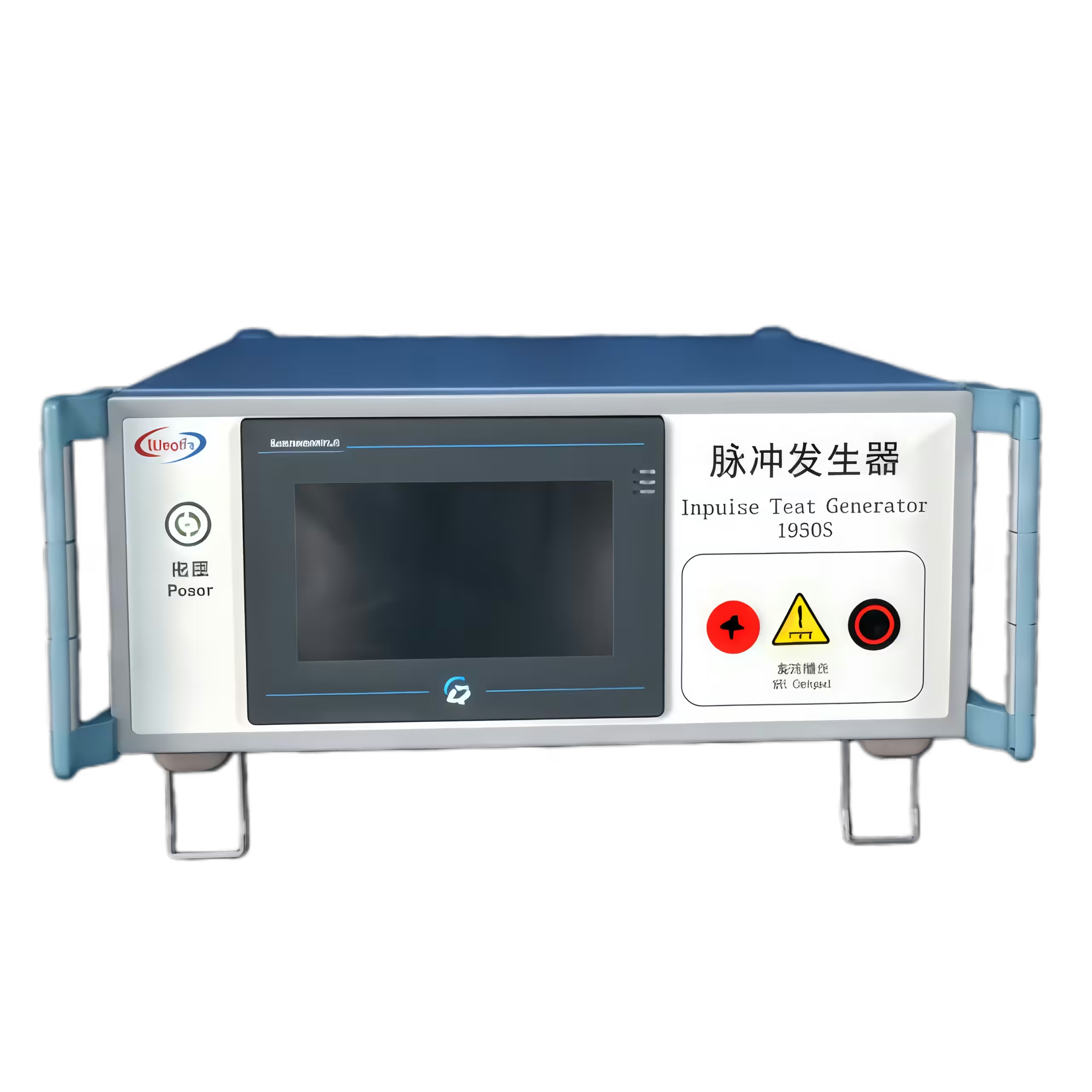
You use the IEC 62368-1 Annex D.1 Impulse test generator to check if your products can handle electrical surges. This tool helps you make sure your devices stay safe during events like lightning strikes or sudden power changes. The generator creates special waveforms that test how well your equipment can resist these surges.
-
The IEC 62368-1 Annex D.1 Impulse test generator simulates lightning interference.
-
It produces impulse waveforms, such as the 10/700 μs pulse, which is important for testing.
-
These waveforms follow standards used in telecommunication networks.
You will find this test important for products in IT, ICT, and AV fields. It helps you meet safety rules and protects your devices from real-world electrical problems.
Key Features and Capabilities
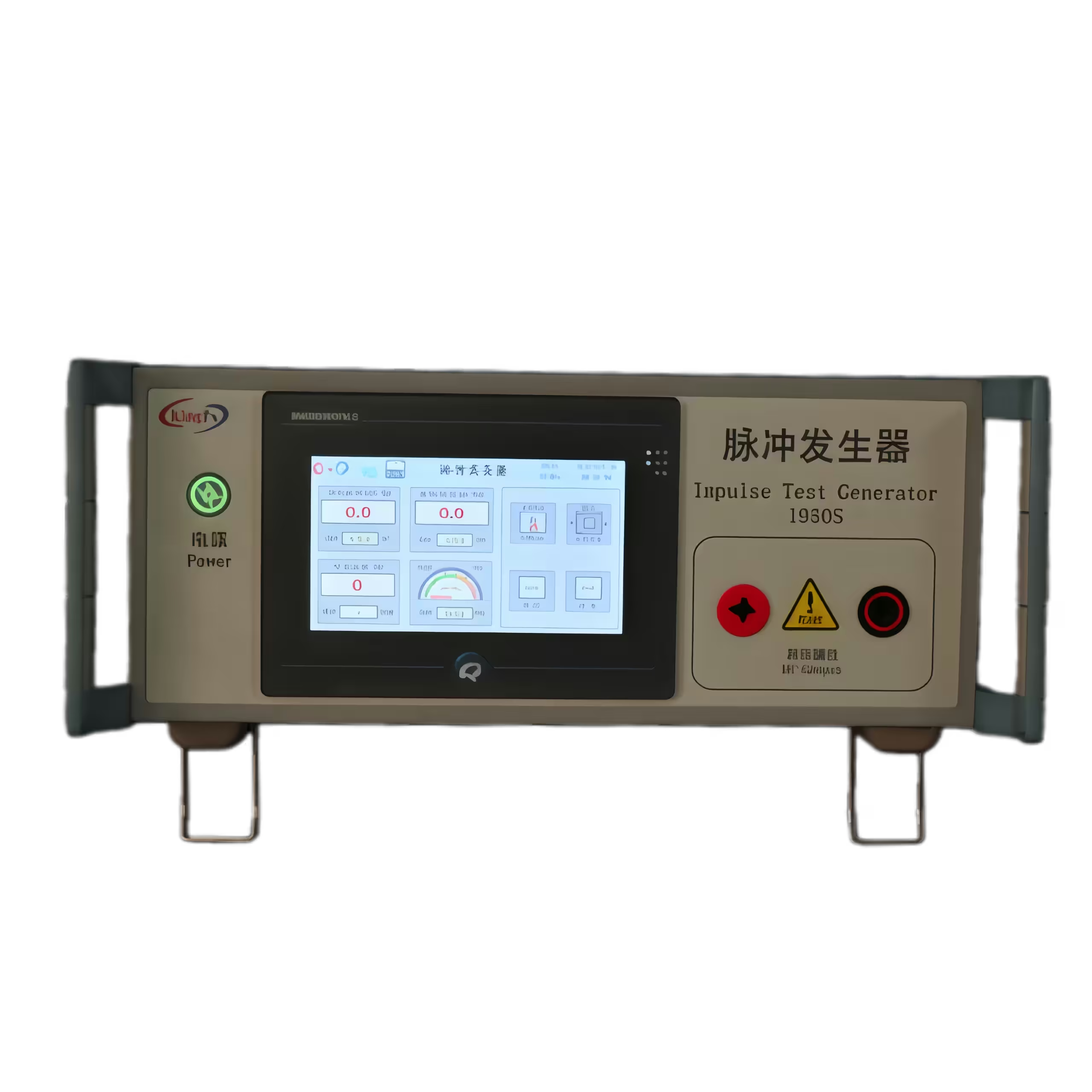
The KP-1950S stands out as a strong example of an impulse test generator. You get a range of features that make testing simple and reliable. The table below shows the main features you can expect:
|
Feature |
Specification |
|---|---|
|
Test pulse waveform |
10/700μs, 1.2/50μs |
|
Output pulse voltage |
0 ~ 4kV (10/700μs), 0 ~ 6kV (1.2/50μs) |
|
Waveform error |
±20% |
|
Voltage display accuracy |
±5% ±3 words |
|
Charge/discharge time setting |
1 second ~ 999 seconds |
|
Overcurrent/overvoltage protection |
Continuously set protection values |
|
Display |
7 inch color touch screen |
|
Working power |
220 V ±10%, 50 Hz ±2 Hz |
You can adjust the voltage, select the waveform, and set the number of pulses. The touchscreen makes it easy to control the settings. Built-in protection keeps you and your equipment safe during tests. The IEC 62368-1 Annex D.1 Impulse test generator helps you meet international safety standards and supports your compliance process.
Equipment and Setup
Required Equipment List
You need the right tools to start your testing process. Gather all equipment before you begin. Here is a checklist for your workspace:
-
KP-1950S impulse test generator
-
Test leads and connectors
-
Device under test (DUT)
-
Insulation mat
-
Safety gloves and goggles
-
Grounding cables
-
Calibration certificate
-
Operator manual
You can use this table to organize your setup:
|
Equipment |
Purpose |
|---|---|
|
KP-1950S Generator |
Produces impulse waveforms |
|
Test Leads |
Connects generator to DUT |
|
Safety Gear |
Protects operator |
|
Calibration Cert. |
Confirms accuracy |
Safety Precautions
Safety comes first. You must protect yourself and your equipment. Always check your workspace for hazards. Wear safety gloves and goggles. Place an insulation mat under the generator. Make sure the generator and DUT are grounded. Never touch exposed wires during testing.
Tip: Double-check all connections before you turn on the IEC 62368-1 Annex D.1 Impulse test generator.
Preparation Steps
You must prepare your equipment before testing. Follow these steps:
-
Review the operator manual for the KP-1950S.
-
Inspect all cables and connectors for damage.
-
Confirm the calibration certificate is valid.
-
Set up the generator on a stable surface.
-
Connect the grounding cables.
-
Arrange the DUT and test leads.
-
Make sure you have completed operator training.
You can ask the manufacturer for training and calibration support. This helps you use the generator safely and correctly. You will get better results when you follow these steps.
Test Procedure with IEC 62368-1 Annex D.1 Impulse Test Generator
Generator Setup
Start by placing the KP-1950S on a flat, stable surface. Make sure the area is clean and free from clutter. Plug the power cord into a grounded outlet. Turn on the main power switch. The touchscreen will light up and show the home screen. Check that the emergency stop button is not pressed. If it is, twist it to release.
Tip: Always keep the operator manual nearby for quick reference.
Check the calibration certificate before you continue. This step confirms that your IEC 62368-1 Annex D.1 Impulse test generator gives accurate results. If you see any error messages on the screen, stop and contact technical support.
Connecting the Device Under Test
Now, prepare your device under test (DUT). Place it on an insulation mat to prevent accidental shocks. Use the test leads to connect the output terminals of the KP-1950S to the input points of your DUT. Make sure the connections are tight and secure. Attach the grounding cable from the generator to the DUT’s ground point.
-
Double-check all wires for damage.
-
Make sure no metal parts are exposed.
-
Keep your hands away from the test area when the generator is on.
Note: Good connections help you get reliable test results.
Configuring Test Parameters
You will now set the test parameters on the touchscreen. The KP-1950S makes this process easy. Follow these steps:
-
Tap the “Settings” icon on the screen.
-
Choose the waveform you need. Select either 10/700μs or 1.2/50μs, depending on your test standard.
-
Set the output voltage. Use the up and down arrows to adjust the value. The IEC 62368-1 Annex D.1 Impulse test generator lets you choose from 0.01 kV up to 6 kV.
-
Pick the polarity. You can select positive, negative, or both. Some tests require you to test both polarities.
-
Enter the number of pulses. You can set this from 1 to 999.
-
Set the interval between pulses. Use the time setting to control how quickly each pulse fires.
Here is a quick reference table for parameter settings:
|
Parameter |
Typical Setting |
How to Adjust |
|---|---|---|
|
Waveform |
10/700μs or 1.2/50μs |
Select from menu |
|
Voltage |
0.01 kV – 6 kV |
Use arrows or keypad |
|
Polarity |
Positive/Negative/Both |
Tap to select |
|
Pulse Count |
1 – 999 |
Enter number |
|
Interval |
1 – 999 seconds |
Enter time |
Alert: Always review your settings before starting the test.
Running the Test
When you finish setting up, you are ready to start the test. Stand clear of the DUT and generator. Press the “Start” button on the touchscreen. The KP-1950S will begin sending impulses to your DUT. Watch the screen for progress updates. The generator will show the number of pulses sent and the voltage level.
If the test stops early or you see a warning, check the connections and settings. After the test, the generator will display a summary of the results. Disconnect the DUT only after the generator shows it is safe.
-
Record your results in your test log.
-
Power off the generator when finished.
-
Remove all test leads and store them safely.
Reminder: Always follow safety rules during every step.
By following these steps, you can use the IEC 62368-1 Annex D.1 Impulse test generator to perform accurate and safe compliance testing. This process helps you meet international safety standards and protects your products from electrical surges.
Results and Compliance
Reading Test Results
After you finish the test, you will see the results on the touchscreen display. The KP-1950S shows important data like the number of pulses, voltage levels, and waveform type. You should check if the device under test (DUT) worked as expected during the impulses. Look for any signs of damage, sparks, or loss of function. If your DUT keeps working and shows no visible problems, you can move to the next step.
Tip: Always compare the displayed results with your test plan. This helps you spot any issues quickly.
Pass/Fail Criteria
You need to know what counts as a pass or fail. IEC 62368-1 Annex D.1 gives clear rules. Your DUT passes if it does not break down, lose insulation, or show unsafe behavior during and after the test. You should check for:
-
No electrical breakdown or arcing
-
No loss of insulation
-
No fire, smoke, or sparks
-
DUT still works as designed
If you see any of these problems, your DUT fails the test. You must fix the issue and test again.
|
Criteria |
Pass Condition |
Fail Condition |
|---|---|---|
|
Insulation |
No breakdown |
Breakdown/arcing |
|
Functionality |
Works as designed |
Stops working |
|
Safety |
No fire or smoke |
Fire, smoke, sparks |
Documentation for Compliance
You must keep good records for certification. Write down all test settings, results, and observations. Include the date, operator name, DUT details, and calibration certificate number. Attach photos if possible. This documentation proves you followed the standard and used the IEC 62368-1 Annex D.1 Impulse test generator correctly.
Note: Good records help you pass audits and get your product certified faster.
Keep your documents safe and organized. You may need to show them to certification bodies or customers. Accurate records support your compliance and help your business grow.
Troubleshooting and Best Practices
Common Mistakes
You may face some common mistakes when using the IEC 62368-1 Annex D.1 Impulse test generator. Knowing these errors helps you avoid them and keeps your testing process smooth.
-
Loose Connections: If you do not secure the test leads, you may get false results or see error messages.
-
Incorrect Parameter Settings: Setting the wrong voltage, waveform, or pulse count can lead to failed tests or unsafe conditions.
-
Skipping Safety Checks: Forgetting to wear safety gear or skipping grounding steps puts you at risk.
-
Ignoring Calibration: Using the generator without checking calibration can cause inaccurate results.
-
Removing DUT Too Soon: Disconnecting the device under test before the generator signals “safe” can be dangerous.
Alert: Always double-check your setup before starting any test.
Solutions and Tips
You can follow these solutions and tips to improve your testing process and get reliable results every time.
|
Issue |
Solution |
|---|---|
|
Loose connections |
Tighten all leads and check before testing |
|
Wrong settings |
Review parameters on the touchscreen |
|
Missed safety steps |
Use gloves, goggles, and grounding cables |
|
Calibration not checked |
Verify calibration certificate before use |
|
Early disconnection |
Wait for the “safe” signal before removing DUT |
-
Create a Checklist: Write down each step and check off tasks as you go.
-
Keep Workspace Clean: Remove clutter to prevent accidents.
-
Record Every Test: Write down settings and results for each test.
-
Ask for Training: Contact the manufacturer for operator training if you feel unsure.
-
Schedule Regular Maintenance: Keep your generator in top shape with routine checks.
Tip: Reliable testing starts with careful preparation and attention to detail. You can prevent most problems by following best practices every time.
You can achieve compliance with IEC 62368-1 Annex D.1 by following each step in this guide. Use the right equipment, check your safety gear, and record your results. Keep your workspace organized and review your settings before every test.
-
Choose the KP-1950S impulse generator for accurate testing.
-
Wear safety gloves and goggles.
-
Document every test for certification.
Ask the manufacturer for training and calibration support. Expert help improves your results and keeps your process reliable.
FAQ
What is the main purpose of the KP-1950S impulse test generator?
You use the KP-1950S to test if your device can handle electrical surges. This helps you make sure your product meets safety standards and works safely in real-world conditions.
How often should you calibrate the impulse test generator?
You should check calibration at least once a year. If you use the generator often, ask the manufacturer for advice. Regular calibration keeps your test results accurate.
Can you use the KP-1950S for different types of devices?
Yes, you can test many devices. The KP-1950S works for IT, ICT, and AV equipment. You can adjust settings to match your device’s needs.
What should you do if you see an error message during testing?
Stop the test right away. Check all connections and settings. If the problem continues, contact technical support for help.