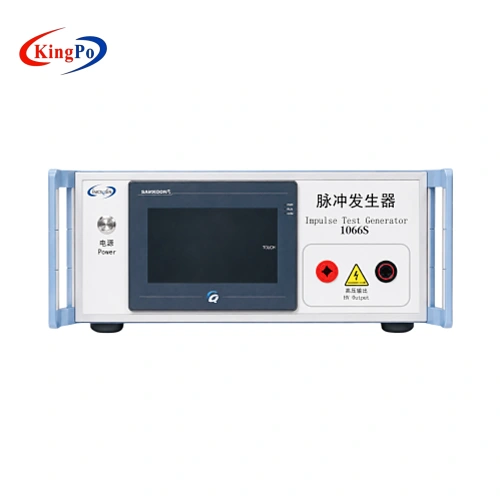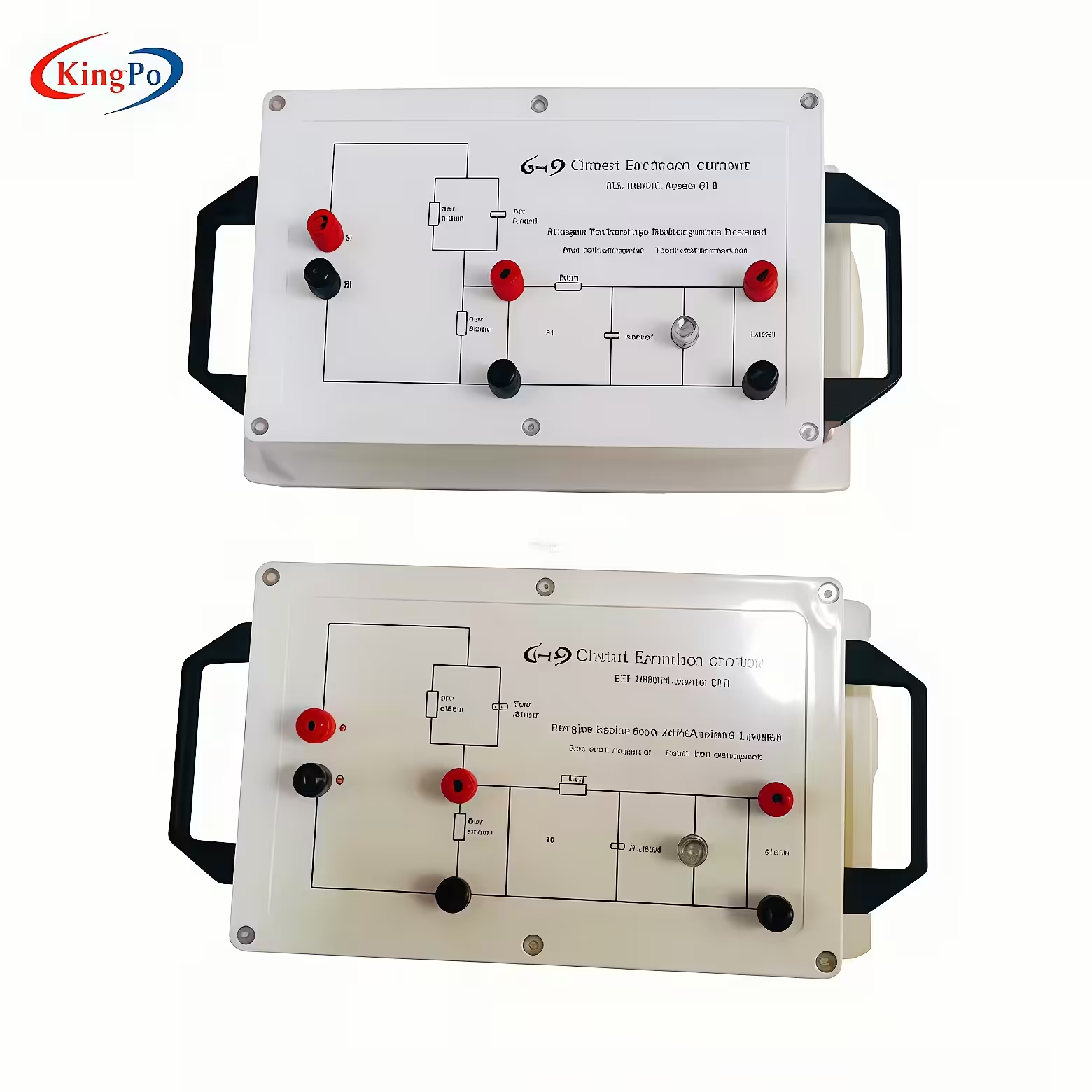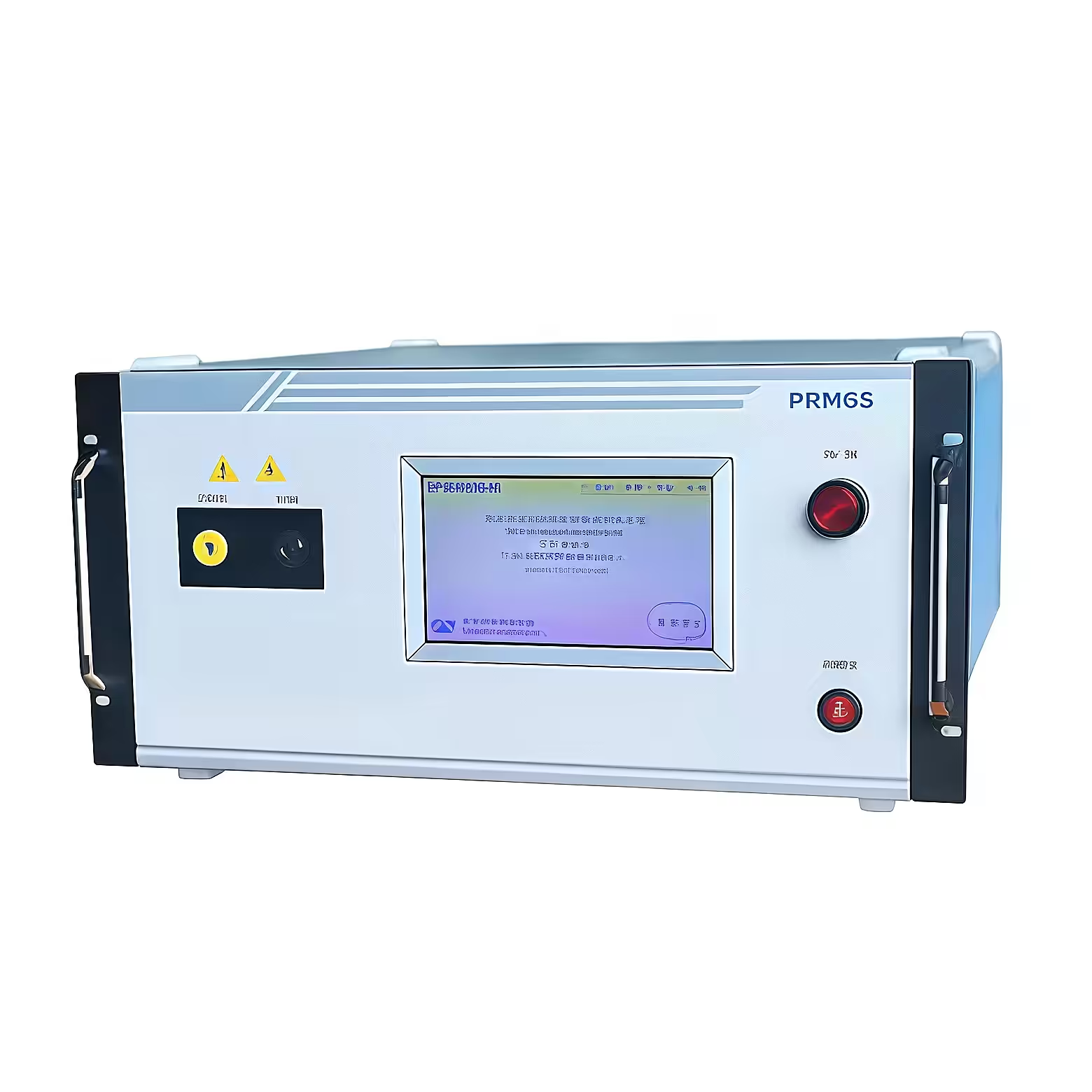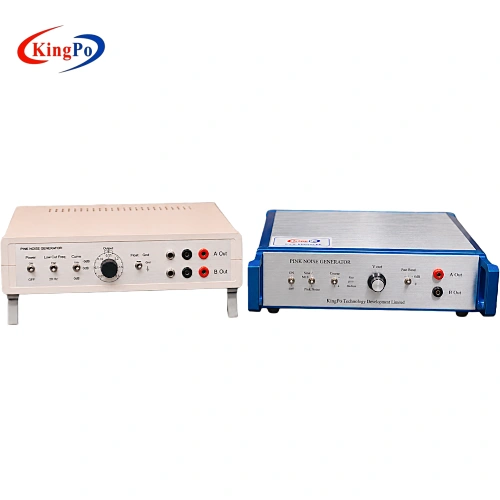
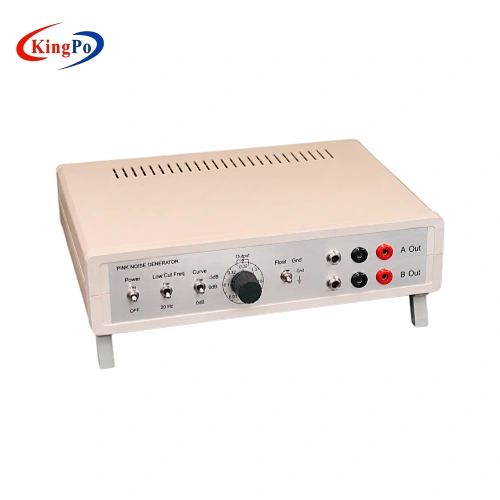
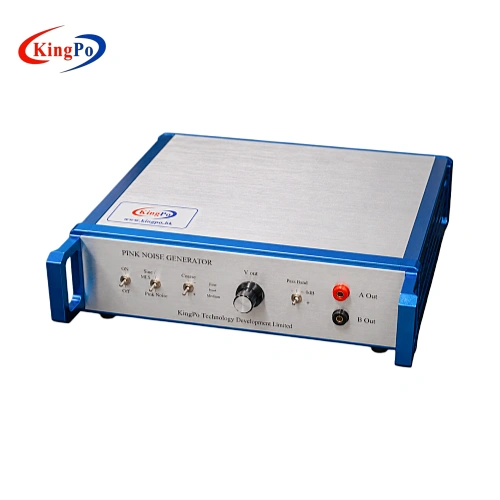
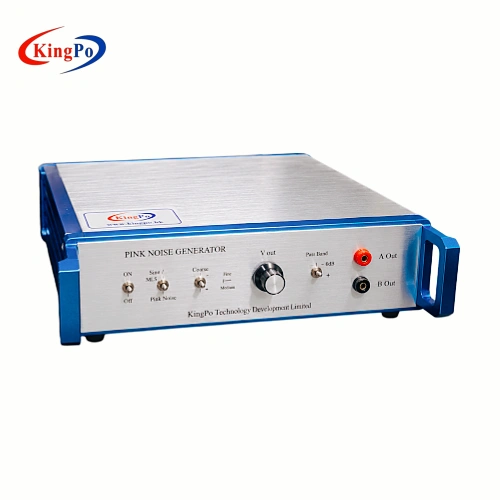
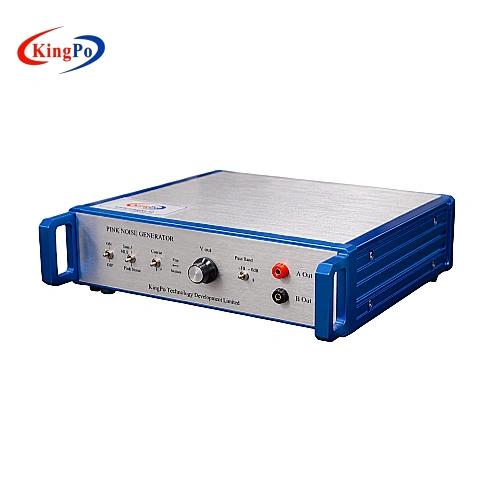
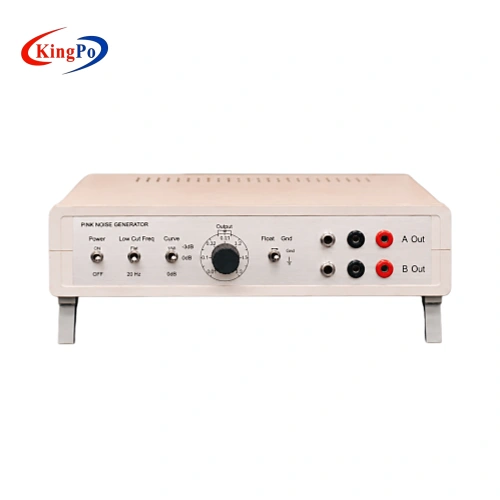
You can achieve IEC 62368-1 compliance with ease when you use the right pink noise generator. Accurate testing starts with reliable equipment. If you want to ensure the safety and performance of your audio devices, you need a tool that produces consistent and trustworthy results. Both beginners and seasoned professionals can follow a clear process and get dependable outcomes.
Key Takeaways
-
Pink noise is essential for testing audio equipment as it mimics real-world sound conditions, helping identify issues like distortion.
-
Using a reliable pink noise generator ensures compliance with IEC 62368-1, which is crucial for safety and performance in audio devices.
-
Always verify the output signal of your pink noise generator with measurement tools to ensure accurate results and compliance.
-
Choose a pink noise generator with the right features, like adjustable voltage and dual output channels, to enhance your testing process.
-
Avoid common mistakes by double-checking settings, securing connections, and keeping detailed records of your tests.
IEC 62368-1 Pink Noise Overview

Definition and Purpose
You may wonder what pink noise means in the context of IEC 62368-1. Pink noise is a type of sound signal that contains equal energy per octave. This means each octave carries the same amount of power, which makes pink noise different from white noise. You use pink noise to test audio equipment because it closely matches how people hear sound in real life.
A pink noise generator creates this special signal. You can use it to check how well your audio devices handle different frequencies. When you play pink noise through your equipment, you can see if the device works as expected across the full range of sounds. This helps you find problems like distortion or uneven volume.
Tip: Pink noise is useful for testing speakers, amplifiers, and other audio products. It gives you a clear picture of performance.
Compliance Importance
You need to follow IEC 62368-1 if you design or test audio and IT equipment. This standard sets rules to keep users safe and ensure products work correctly. Using a pink noise generator helps you meet these rules. The standard requires you to test devices with signals that match real-world use. Pink noise fits this need because it covers all the important frequencies.
If you skip proper testing, you risk failing safety checks. You may also miss hidden problems in your products. By using the right test signals, you show that your equipment meets international safety standards. This builds trust with customers and regulators.
-
Key reasons to use pink noise for compliance:
-
It matches the requirements of IEC 62368-1.
-
It reveals issues across the full audio spectrum.
-
It supports reliable and repeatable testing.
-
You can make compliance easier by choosing the right tools and following the correct steps.
Pink Noise Generator Requirements

Technical Specs
You need to know the main technical specifications before you choose a pink noise generator for IEC 62368-1 testing. These specs help you make sure your device matches the standard and gives you accurate results. The table below shows the important features you should look for:
|
Specification |
Details |
|---|---|
|
Output Type |
Pink noise or 1000 Hz sine wave (selectable) |
|
Channels |
Dual output channels |
|
Phase Shifting |
0° or 90° |
|
Voltage Adjustment |
Precise fine adjustment |
|
Output Connectors |
RCA and 4 mm banana type |
|
Signal Conformance |
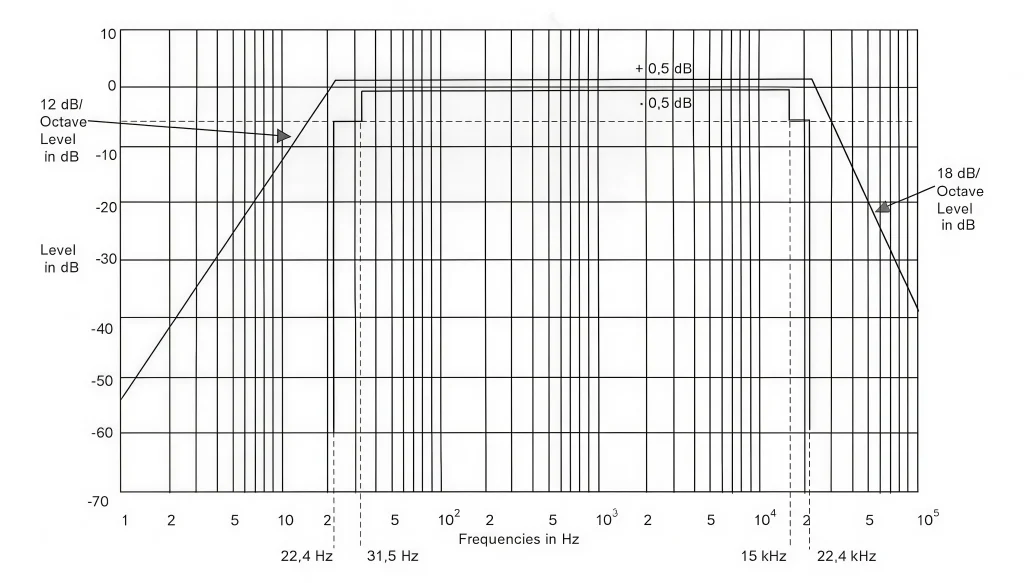
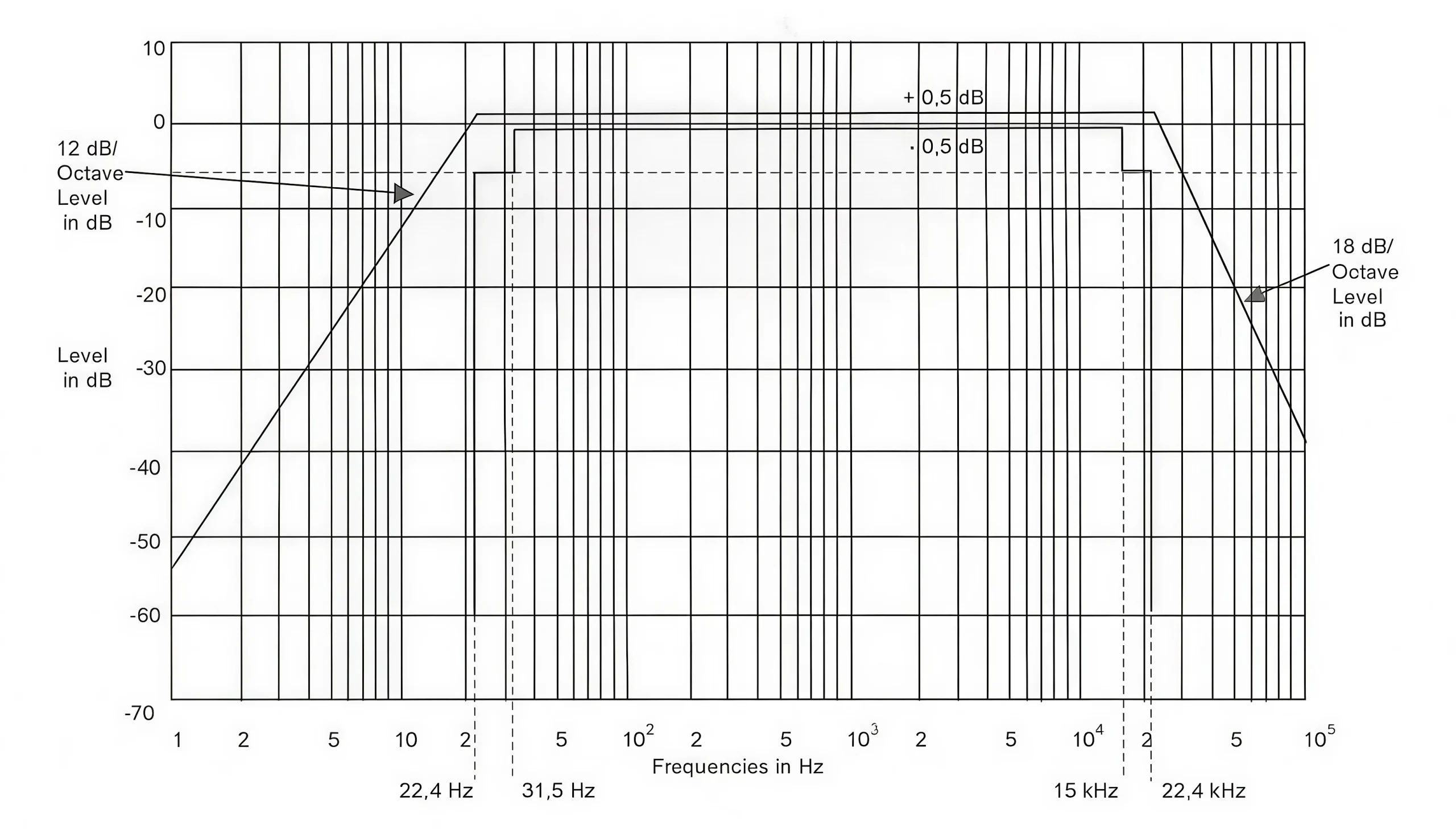
IEC 60065 Annex C, fig. C1 (IEC60268) |
|
Voltage Range (Low) |
0-100 mV/1 kohm (sine wave), 0-35 mV rms/1 kohm (pink noise) |
|
Voltage Range (Medium) |
0-1 V/1 kohm (sine wave), 0-350 mV rms/1 kohm (pink noise) |
|
Voltage Range (High) |
0-5 V/1 kohm (sine wave), 0-1.7 V rms/1 kohm (pink noise) |
Note: Dual output channels and phase shifting let you test different scenarios. This makes your pink noise generator more flexible for various devices.
Standard Parameters
You must follow certain parameters to meet IEC 62368-1 requirements. The output signal should match the levels and characteristics set by the standard. This ensures your tests are valid and repeatable. The pink noise generator should let you select between pink noise and a 1000 Hz sine wave. You can adjust the voltage to low, medium, or high settings, depending on your test needs.
The chart below compares the output voltage ranges for sine wave and pink noise at different settings:

You should always check that your pink noise generator meets these parameters. This helps you avoid errors and ensures your equipment passes compliance checks.
How to Use a Pink Noise Generator
Setup Steps
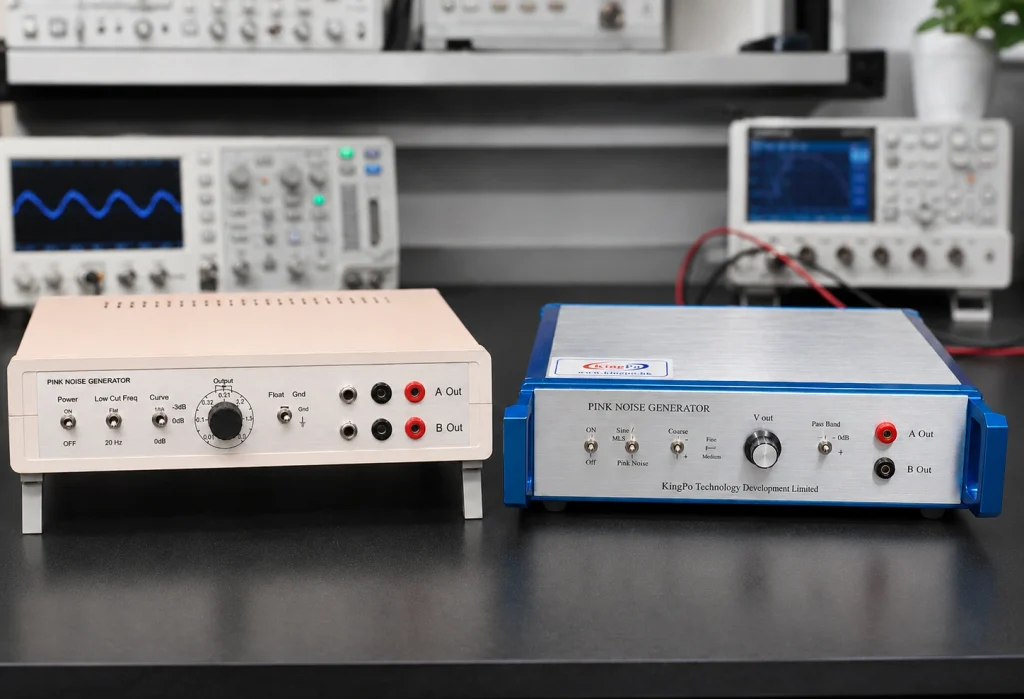
You can set up your pink noise generator quickly if you follow a clear process. Start by placing the device on a stable surface near your test equipment. Make sure you have all the cables you need. The Kingpo IEC 62368-1 Pink Noise Generator comes with RCA and 4 mm banana connectors, as well as audio cables for easy connection.
-
Plug the power cord into a standard 220 VAC outlet.
-
Connect the output channels to your test object. You can use RCA or banana connectors, depending on your device.
-
Choose the signal type. Select pink noise or a 1000 Hz sine wave, based on your test plan.
-
Set the output voltage. Use the fine adjustment knob to pick low, medium, or high voltage.
-
Pick the phase shift. You can set the output to 0° or 90° for different testing scenarios.
-
Turn on the pink noise generator and let it warm up for a few minutes.
Tip: Dual output channels let you test two devices at once or compare results side by side.
You can now send the pink noise signal through your audio equipment. This setup helps you follow IEC 62368-1 rules and makes your testing process smooth.
Output Verification
You need to check that your pink noise generator produces the right signal. This step ensures your results are accurate and meet IEC 62368-1 requirements. Use measurement tools to verify the output.
Here is a table of recommended tools for this task:
|
Measurement Tool |
Description |
|---|---|
|
This equipment is designed to meet the requirements for pink noise in IEC 60065, Clause 4.2 and 4.3 and IEC 62368-1, Annex E. |
You can use an oscilloscope or a true RMS voltmeter to measure the output voltage. Check that the signal matches the voltage range you selected (low, medium, or high). Make sure the waveform looks correct and stable. If you use the Kingpo device, you can trust that the output follows IEC 60065 Annex C, fig. C1 (IEC60268).
Note: Always verify both channels if you use dual outputs. This step helps you catch any issues early.
When you finish, record your results. This record shows that you followed the standard and helps you pass compliance checks.
Choosing the Right Pink Noise Generator
Hardware vs. Software Options
You face a choice when you need to generate pink noise for compliance testing. You can use hardware devices or software solutions. Each option has strengths and weaknesses. Hardware generators give you a physical device that produces a stable signal. You plug it into your test setup and get consistent results. Software solutions run on computers or mobile devices. You download an app or program, then use it to create pink noise.
Hardware generators work well in professional labs. You get reliable output and easy connections to your equipment. You do not worry about computer crashes or software updates. Software options cost less and offer flexibility. You can adjust settings and save test data on your device. Some software tools may not meet strict standards for compliance testing.
Tip: If you need repeatable and accurate results for IEC 62368-1, hardware generators often provide better reliability.
You should think about your testing needs. If you want quick checks or basic audio tests, software may be enough. If you need to meet international standards, hardware devices give you more confidence.
Kingpo Device Features
You want a pink noise generator that meets IEC 62368-1 and IEC 60065 standards. The Kingpo IEC 62368-1 Pink Noise Generator stands out because it offers features that help you achieve compliance with ease. You get dual output channels, which let you test two devices at the same time. You can adjust the output voltage to match your test requirements. The device includes RCA and 4 mm banana jacks, so you connect it to many types of equipment.
The Kingpo generator lets you set the phase shift to either 0° or 90°. This feature helps you run different test scenarios. You receive test cables in the box, including RCA and 3.5 mm phono connectors. You do not need to buy extra accessories. The device follows IEC standards, so you know your tests will be valid.
Here is a table that compares the Kingpo IEC 62368-1 Pink Noise Generator with other devices on the market:
|
Feature |
Kingpo IEC 62368-1 Pink Noise Generator |
Other Devices on Market |
|---|---|---|
|
Compliance with IEC standards |
Yes |
Varies |
|
Output channels |
Dual |
Single or Dual |
|
Adjustable output voltage |
Yes |
Limited options |
|
Connector types |
RCA, 4 mm banana jacks |
Varies |
|
Test cables included |
RCA, 3.5 mm phono connectors |
Not always included |
|
Phase shift configuration |
0° or 90° |
Fixed |
You see that the Kingpo device gives you more flexibility and convenience. You do not need to worry about missing features or extra costs. You get a complete solution for compliance testing.
Note: Choosing a device that matches IEC standards saves you time and helps you avoid mistakes during testing.
You make your work easier when you select a pink noise generator with the right features. The Kingpo device supports engineers and technicians who want reliable results and smooth compliance.
Common Mistakes to Avoid
Typical Errors
You want your compliance testing to go smoothly. Many people make the same mistakes when using a pink noise generator. You can avoid these errors if you know what to watch for.
-
Wrong Signal Selection
Some users choose the wrong signal type. You must select pink noise, not white noise or a sine wave, unless your test plan says otherwise. -
Incorrect Voltage Setting
You might set the output voltage too high or too low. This can give you results that do not match the IEC 62368-1 requirements. -
Skipping Output Verification
You may forget to check the output with a voltmeter or oscilloscope. This step is important. It confirms that your generator works as expected. -
Loose Connections
If you do not connect the cables tightly, you can get weak or noisy signals. Always check your connectors before you start. -
Ignoring Phase Shift Settings
Some tests need a specific phase shift. If you leave the setting at 0° when you need 90°, your results will not be correct.
⚠️ Alert: Always read your device manual before starting. This helps you avoid simple mistakes.
Compliance Tips
You can follow these tips to make your compliance process easier and more reliable.
-
Double-Check Settings
Review your signal type, voltage, and phase shift before each test. -
Use the Right Tools
Pick a pink noise generator that meets IEC 62368-1 and IEC 60065 standards. The Kingpo device is a good example. -
Keep Records
Write down your test settings and results. This helps you prove compliance if someone asks. -
Inspect Cables and Connectors
Look for damage or loose parts before you begin. -
Stay Updated
Check for new versions of the standard. Make sure your testing matches the latest rules.
|
Mistake to Avoid |
How to Fix It |
|---|---|
|
Wrong signal type |
Select pink noise for IEC tests |
|
Incorrect voltage |
Adjust to match test requirements |
|
Skipping verification |
Measure output with proper tools |
|
Loose connections |
Secure all cables and connectors |
|
Wrong phase shift |
Set phase as needed for your test |
✅ Tip: Careful setup and regular checks help you pass compliance tests the first time.
IEC 62368-1 Compliance Checklist
Key Steps
You can follow a simple checklist to make sure your testing meets IEC 62368-1. This helps you stay organized and avoid missing important steps.
-
Review the Standard
Read the latest version of IEC 62368-1. Make sure you understand what the standard asks for in your tests. -
Select the Right Equipment
Choose a pink noise generator that matches the technical requirements. The Kingpo IEC 62368-1 Pink Noise Generator is a good example. -
Set Up Your Test Area
Place your equipment on a stable surface. Connect all cables tightly. Double-check your connections before you start. -
Configure the Generator
Pick the correct signal type. Set the voltage and phase shift as needed for your test. -
Run the Test
Turn on the generator. Let it warm up. Send the pink noise signal through your device. -
Verify the Output
Use a voltmeter or oscilloscope. Check that the output matches the required levels. -
Record Your Results
Write down your settings and measurements. Keep these records for future checks.
📝 Tip: Careful documentation helps you pass audits and shows you followed the rules.
You should also keep important documents for every test. These records help you prove compliance if someone asks.
|
Documentation Type |
Purpose |
|---|---|
|
Application-wise material standard library |
To ensure compliance with material standards |
|
Digital history of certifications (UL, IEC) |
To maintain a record of compliance history |
|
Lot-based traceability from resin to product |
To track product origins and compliance |
|
Certificate of Compliance (COC) |
To certify that products meet safety standards |
|
UL and IEC material data sheets |
To provide detailed material specifications |
|
FAI/PPAP traceability record |
To document the production process and quality control |
Final Review
You should always check your work before you finish. Look at your test setup. Make sure you used the right signal, voltage, and phase shift. Review your records and documents. Confirm that you have everything you need for an audit.
If you follow each step and keep good records, you will make compliance much easier. You will also show that your products are safe and meet international standards.
✅ Note: A complete checklist and careful review help you avoid mistakes and save time during inspections.
You can achieve IEC 62368-1 compliance with confidence when you use a pink noise generator and follow each step in your testing process. The Kingpo device makes your work easier by offering:
-
Specialized solutions that match IEC 62368-1 requirements
-
Accurate and repeatable results for every test
-
Expert support for manufacturers and labs
You improve your results when you choose reliable tools and verify your output carefully. This approach helps you meet safety standards and avoid common mistakes.
FAQ
What is pink noise used for in IEC 62368-1 testing?
You use pink noise to check how audio equipment handles different frequencies. It helps you find problems like distortion or uneven sound. Pink noise matches real-world listening conditions.
How do you connect the Kingpo Pink Noise Generator to your device?
You connect the generator using RCA or 4 mm banana cables. The device includes audio cables for easy setup. You choose the connector that fits your test equipment.
Can you adjust the output voltage on the Kingpo generator?
Yes, you can set the output voltage to low, medium, or high. Use the fine adjustment knob to match your test needs. This helps you follow IEC 62368-1 requirements.
Why should you verify the output signal during testing?
You need to check the output signal to make sure it matches the required levels. Use a voltmeter or oscilloscope. This step helps you get accurate results and pass compliance checks.
Explore our [IP Testing Equipment] for complete electronic component reliability assessment.